Can I forward SSH ports through Remio?
Yes. SSH runs unchanged on the host workstation. Remio streams the full desktop in parallel, so you can keep your existing SSH tunnels, port forwards, and tmux sessions open while also reaching the GUI tools that SSH cannot reach — Xcode previews, Docker Desktop, JetBrains run configurations.
Does Remio work with Docker Desktop and kubectl?
Yes. Docker Desktop runs on the host as normal and Remio streams its window. Container logs, the Compose dashboard, and the GUI all work. For pure CLI workflows, docker, docker compose, and kubectl continue to run over SSH or directly in the streamed terminal.
Will VS Code Remote-SSH work alongside Remio?
VS Code Remote-SSH continues to work because SSH is unaffected by Remio. Many developers run both — Remote-SSH from a laptop for text editing, then switch to the streamed VS Code on the host when they need the integrated debugger, Live Share, or extensions that need a real display.
Can I access tmux sessions from Remio?
Yes. tmux runs on the host and persists across reconnects exactly as it does over SSH. From the Remio session you can open a terminal, attach to a named tmux session, and pick up exactly where you left off — including long-running builds with Cargo, pnpm, or kubectl.
What is the input latency on a LAN?
About 8 ms of processing latency, measured internally, on a wired LAN with an M2 Pro host and an iPad Pro client — your input lands before the next frame draws, the rest is your display's own 60 Hz refresh cadence. Terminal scrolling stays at 120 fps, and 120 Hz is supported on M-series MacBooks. WAN latency depends on the route to the host, typically low double-digit milliseconds within the same region over a direct peer-to-peer connection.
Can I run Xcode, Android Studio, or VS Code remotely with Remio?
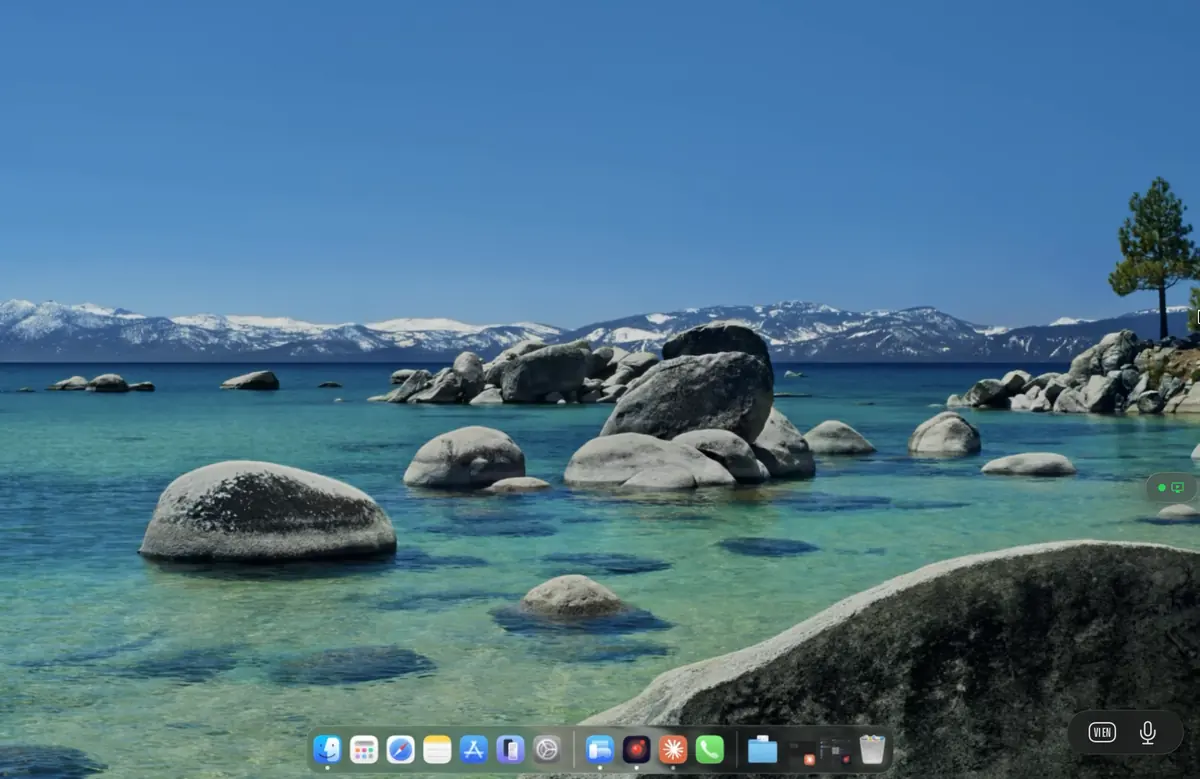
Yes. Remio streams a full Mac, Windows, or Linux desktop to iPad, Vision Pro, or another Mac with about 8 ms of processing latency on LAN. Xcode (including iOS Simulator), Android Studio (including emulators), Visual Studio, VS Code, JetBrains IDEs, Vim, Emacs — all work as if you were at the host. Keyboard shortcuts, modifier keys, and trackpad gestures are forwarded natively.
Does Remio support multiple monitors for IDE + terminal + browser?
Yes — Remio's display switcher lets you pick which of your computer's monitors to view, switched instantly from the client, and on Windows and Mac each screen can also open in a window of its own. With Remio Pro, work on up to five screens of a computer at once from the Mac or Windows app — each as big as one of your own screens. Everywhere else, rather than squeezing several monitors onto one screen, each session gets one dedicated virtual display sized exactly to your device.
Can I use Remio without a VPN to access my dev workstation from home?
Yes. Remio's direct-P2P-first model means you do not need to expose ports or maintain a VPN to reach your office workstation from home. Remio negotiates the best path automatically, and an encrypted relay handles networks where direct P2P fails. All traffic is end-to-end encrypted regardless of path.
Does Remio forward USB devices like Yubikeys or hardware keys?
With Remio Pro, USB controllers plugged into your Mac or Windows PC — steering wheels, pedals, flight sticks — work on the Mac, Windows PC or Linux computer you control; more device types are on the way. Today, Remio forwards keyboard, mouse, trackpad, gamepad, and Apple Pencil input — sufficient for most development workflows where the hardware key stays on the host machine.
Is Remio scriptable / does it have a CLI for automation?
Not yet. A command-line tool for headless pairing, session management and automated test rigs is planned. Today Remio is built for you at the keyboard: pair once, and every computer is a tap away on every device.