In perfect sync
System audio streams alongside the video, so sound and picture never drift apart.
About 8 ms of processing latency on LAN, true trackpad feel, private by design — Remio feels like sitting at your desk, without ever touching the cloud.
The same job, done without a cloud detour. Every number below is measured on a same-network peer-to-peer link.
| Capability | Remio | Typical remote desktop |
|---|---|---|
| LAN latency (processing) | ~8 ms (measured internally) | 30–80 ms via vendor cloud |
| Max resolution & frame rate | 4K at 60 fps | 1080p, capped on free tiers |
| Encryption | End-to-end encrypted | Server-terminated TLS |
| Account required | None — pair with a code | Email + password |
| System audio | Synced with the picture | Often muted or delayed |
| Apple Pencil support | Point, tap, scroll — 1:1 | Not supported |
| Hardware keyboard pass-through | Every key, all modifiers | Partial |
| Native clients | SwiftUI · Compose · WinRT | Electron / web wrapper |
| Display switching & virtual display | Built in | Paid add-on |
About 8 ms of processing latency on a local network — the cursor moves the moment you do, your input landing before the next frame draws. Five quality presets, from Auto down to Ultra, tune frame rate and bandwidth to your link so the stream stays smooth on Wi-Fi or a wired LAN alike.
Hardware-accelerated H.265 end to end today — true 4:4:4 color for razor-sharp text is now live — NVIDIA-powered PCs streaming to Mac, more pairs on the way.
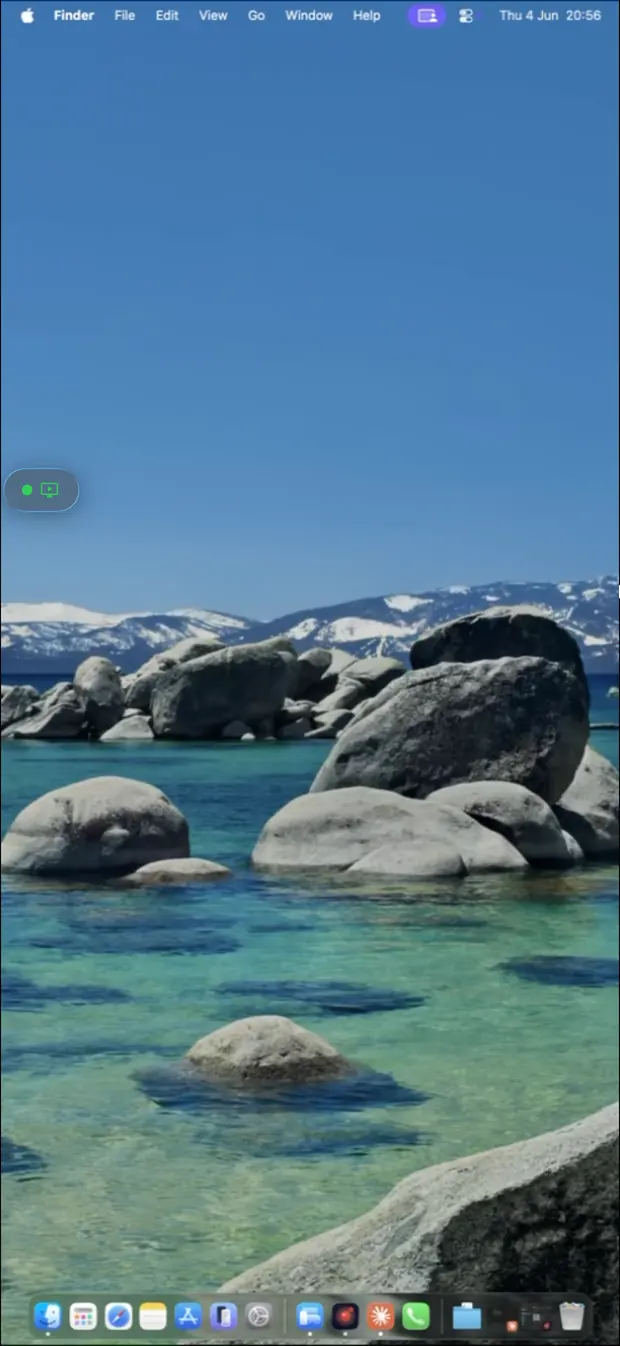
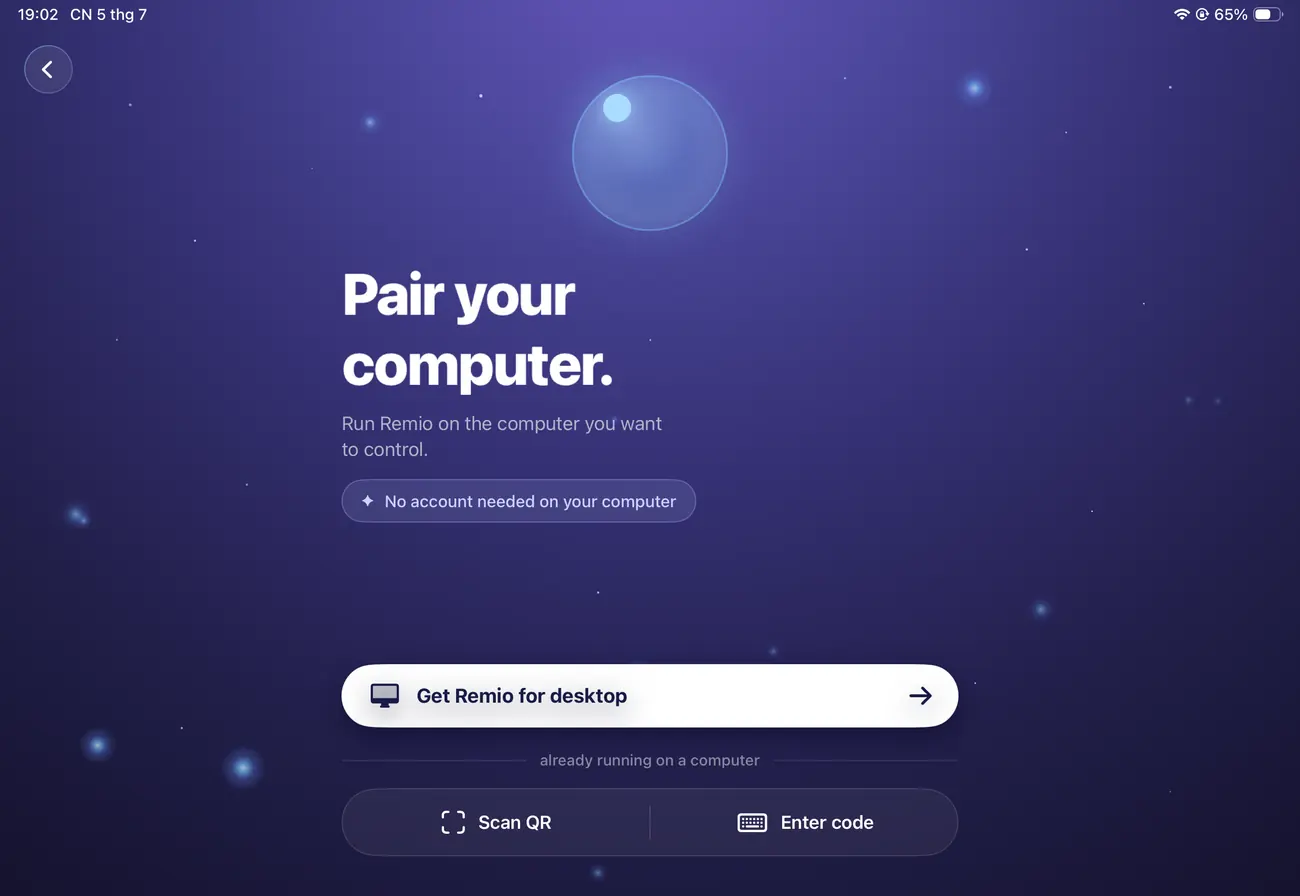

Tap, scroll, pinch and drag the way iOS already taught you. We rebuilt the true deceleration model — momentum, pause-aware lift, sub-pixel precision — not an approximation of it. Your iPad prefers a faster cursor, your iPhone a slower one, and Remio remembers each.
Point, tap, and scroll with Apple Pencil, and hardware keyboards and external trackpads all carry through 1:1.
Hear your computer's audio right on your device — in sync with the screen. It plays straight through AirPods, a Bluetooth speaker, or whatever output your device is already using.
System audio streams alongside the video, so sound and picture never drift apart.
Play through AirPods, a Bluetooth speaker, or your device's own speaker — whatever you're already connected to.
Encoded at full 48 kHz — not squeezed down to save bandwidth.
Audio rides the same end-to-end encrypted connection as everything else — no separate app, no extra setup.
Zero servers in the data path. Video, audio, keystrokes, mouse, clipboard and files flow directly between your two devices, end-to-end encrypted the whole way. Session keys are generated fresh and destroyed on disconnect, so past sessions stay unreadable — even by us.
Privacy mode blanks the host display and mutes audio for anyone standing near your desk.
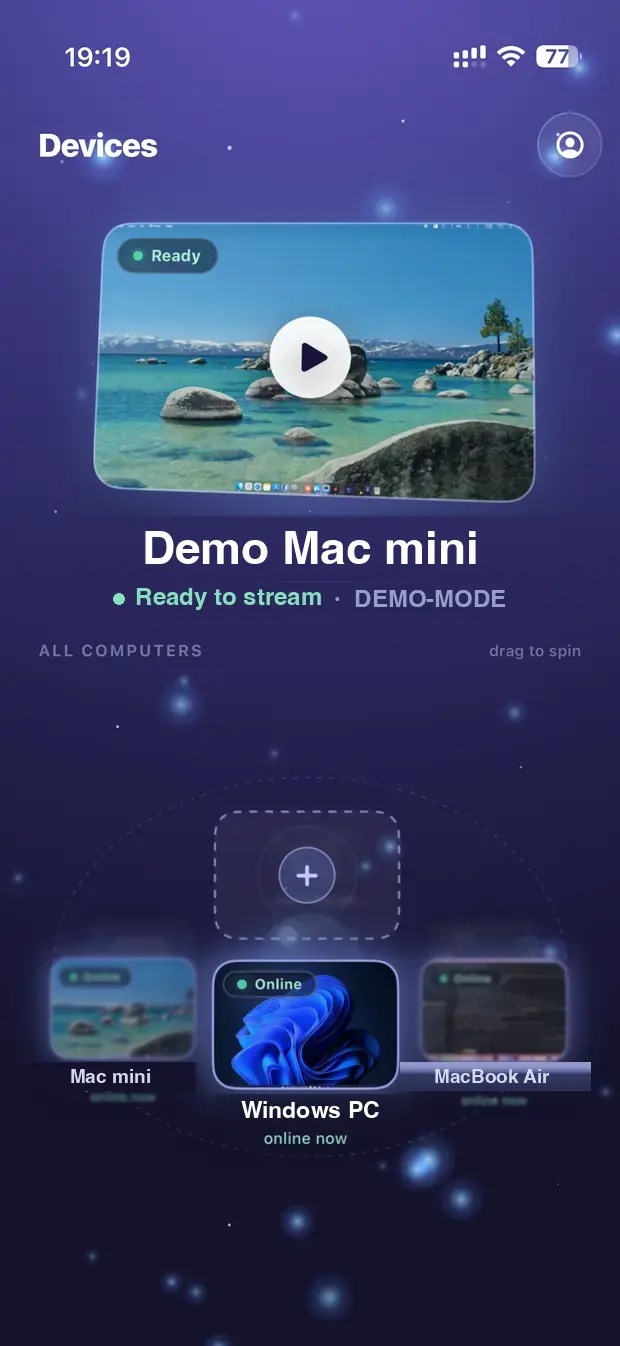
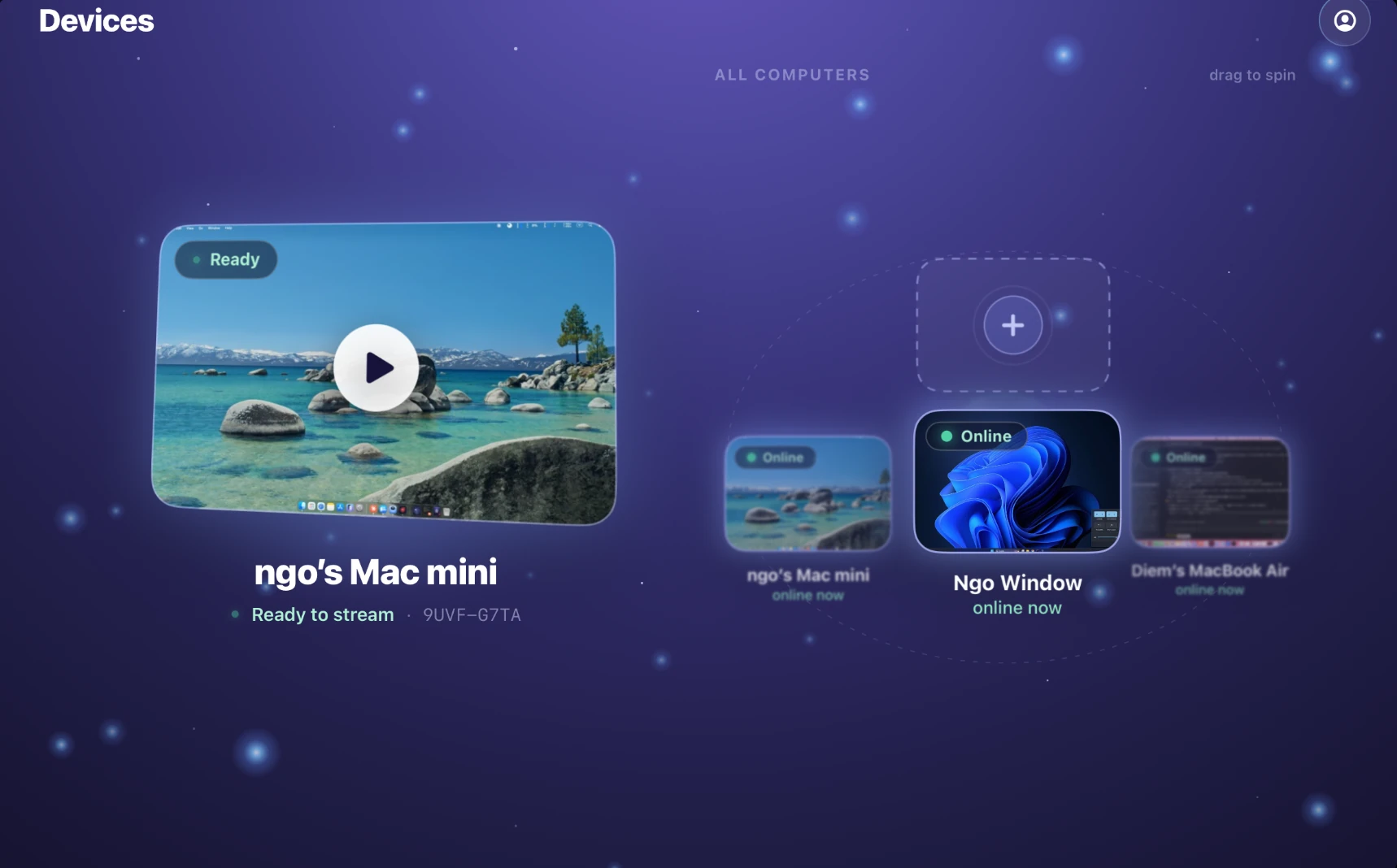
Launch apps by their real icons, focus on one window, read a device's live presence, and adjust quality mid-session — no reconnect.
Open any app on the host from a grid of its real icons.
Stream a single app full-screen and hide everything else.
See which computers are online, sleeping, busy or streaming.
Change quality, frame rate and resolution without reconnecting.
Most remote desktops work beautifully right up to the moment something important happens — a permission prompt, a lock screen, an elevated installer. Then the picture stays live and nothing responds. These are the moments Remio is built for.
On Windows, an installer or elevated app normally swallows every click and keystroke you send, and the only fix is walking to the PC. Remio's Windows host passes input through — no Windows Authentication, no elevation request, nobody needed at the far end. How it works →
Reach a machine whose screen is locked — including a MacBook with the lid closed — see the real lock screen, and type your password from your phone. Each host can turn remote unlocking off, and when it is off your device says so instead of dropping keystrokes silently. More →
Shortcuts from a hardware keyboard arrive as true key combinations, so ⌘C, ⌘Z and app-specific chords behave exactly as they should. On iPad, Option+Tab switches apps — a stand-in for the Cmd+Tab that iPadOS reserves for itself. Typing works in Vietnamese, CJK and emoji.
A two-finger tap on the Magic Keyboard trackpad opens the right-click menu like a real mouse. Apple Pencil points, taps and scrolls. A three-finger swipe moves between Spaces and opens Mission Control. Game controllers map straight into your games.
macOS, Windows and Linux can all be the computer you reach. Where something is narrower in scope than it sounds, we say so on the page rather than in a footnote.
Wayland is the default session on current Ubuntu and Fedora, and it blocks the screen capture that classic tools like x11vnc rely on — which is why they return a black screen. Remio streams it through your desktop's own secure sharing service: grant once, and it remembers. More →
Video compression normally stores color at a quarter of the detail of brightness, which smears colored text. On an NVIDIA-powered Windows host streaming to a Mac client you can switch on full 4:4:4 color and get pixel-exact edges. Experimental and opt-in; other pairs stream standard 4:2:0. Read the scope →
Pick which of the host's monitors to stream when it has more than one, on all three host platforms. On Windows, Privacy Mode blanks the physical screen at the desk while your remote session keeps seeing the desktop normally — useful in a shared office.
Windows 10 Home and 11 Home cannot host the built-in RDP server at all. Remio's Windows host runs on them the same as on Pro, and on older Windows 10 machines and remote-desktop server setups where streaming previously never started.
Every client is a native app — SwiftUI on Apple, Jetpack Compose on Android, C++/WinRT on Windows. No Electron, no web wrapper, no GPU lock-in, and a forward-compatible protocol so versions can mix.


Your computer from anywhere — completely free, no account, no strings attached.