Does Remio need iCloud or an Apple ID to pair iPad with Mac?
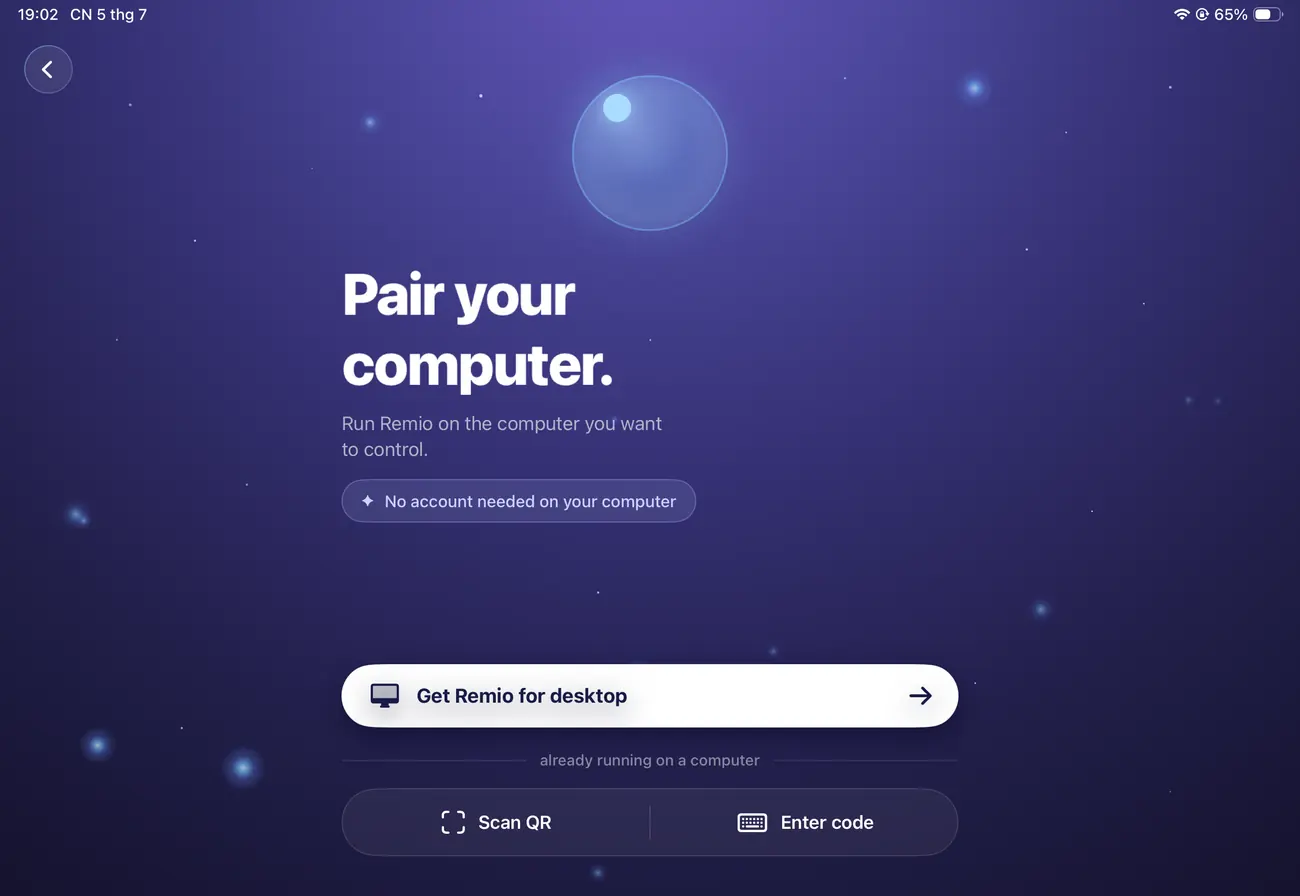
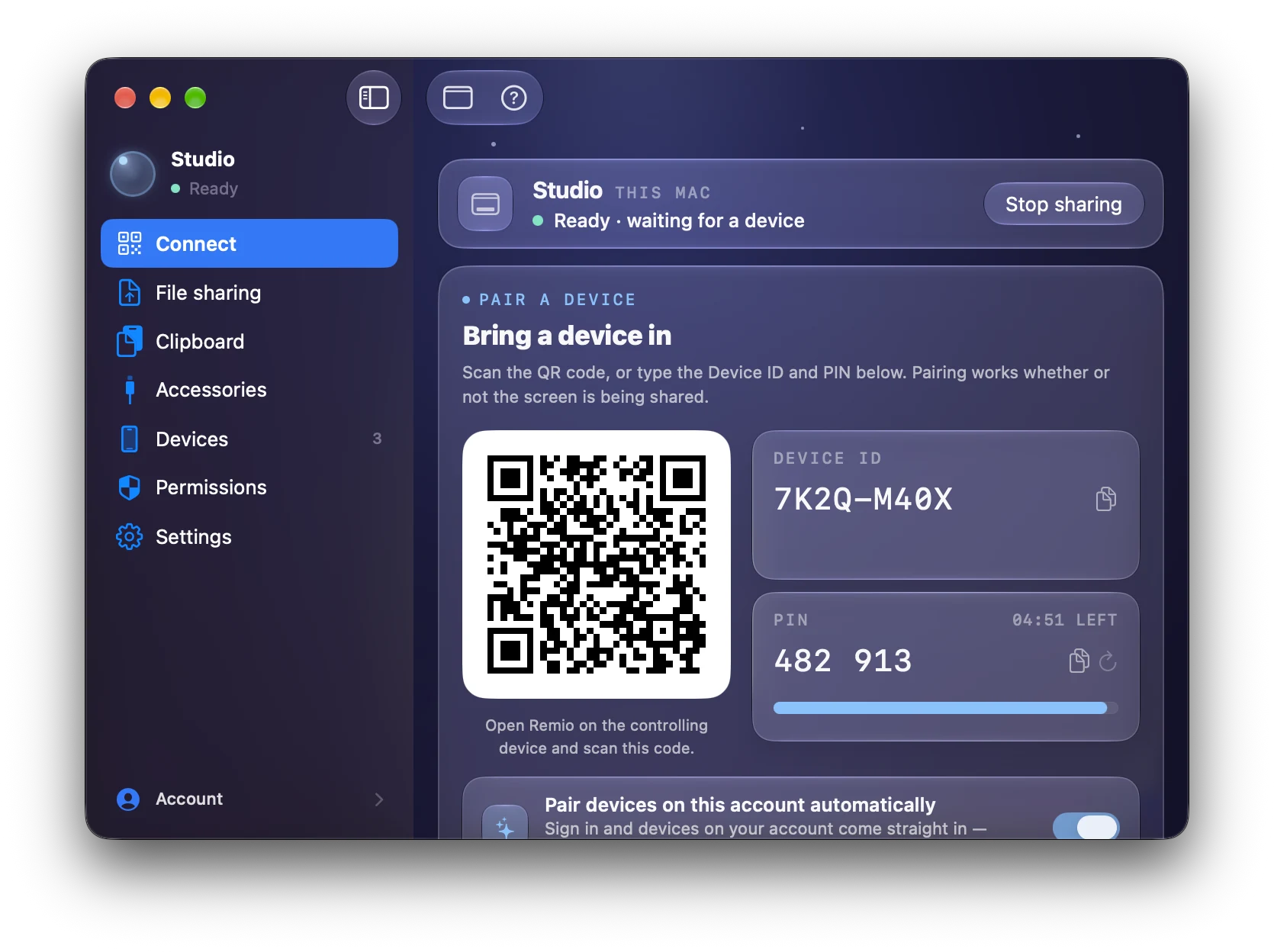
No. Pairing uses a QR code or a Device ID and PIN, with keys negotiated directly between your devices. No Apple ID, no iCloud, and no Remio account — nothing about you is stored on our servers.
Does Apple Pencil work with apps like Procreate?
As a pointer, yes — Pencil taps and drags forward to the host Mac as precise pointer input, great for hitting small controls and placing a cursor exactly in Procreate, Photoshop, Affinity, or Fresco. It does not carry pressure, tilt, or azimuth data, so pressure-sensitive drawing is better suited to working natively on the Mac.
Can I use the iPad keyboard and trackpad with my Mac?
Yes. Magic Keyboard, Smart Keyboard Folio, and trackpad input forward as native Mac keyboard and mouse events. Modifier keys, the function row, and gestures map cleanly — and the trackpad keeps its inertial scroll momentum, not crude wheel ticks.
How does Remio compare to Sidecar?
Sidecar makes the iPad a secondary display of a nearby Mac. Remio streams the full Mac desktop to the iPad as the primary view — it works over Wi-Fi or cellular, supports older iPads, and the Mac doesn't need to be the same one signed into iCloud. If you want extra screen space instead, see the
second-monitor guide.
What happens to audio coming from the Mac?
Audio routes back to the iPad in sync with video. System sounds, music, and video calls all stream to the iPad speakers or AirPods, with frame-level lip-sync maintained.