Does Remio record the stream locally on my iPad?
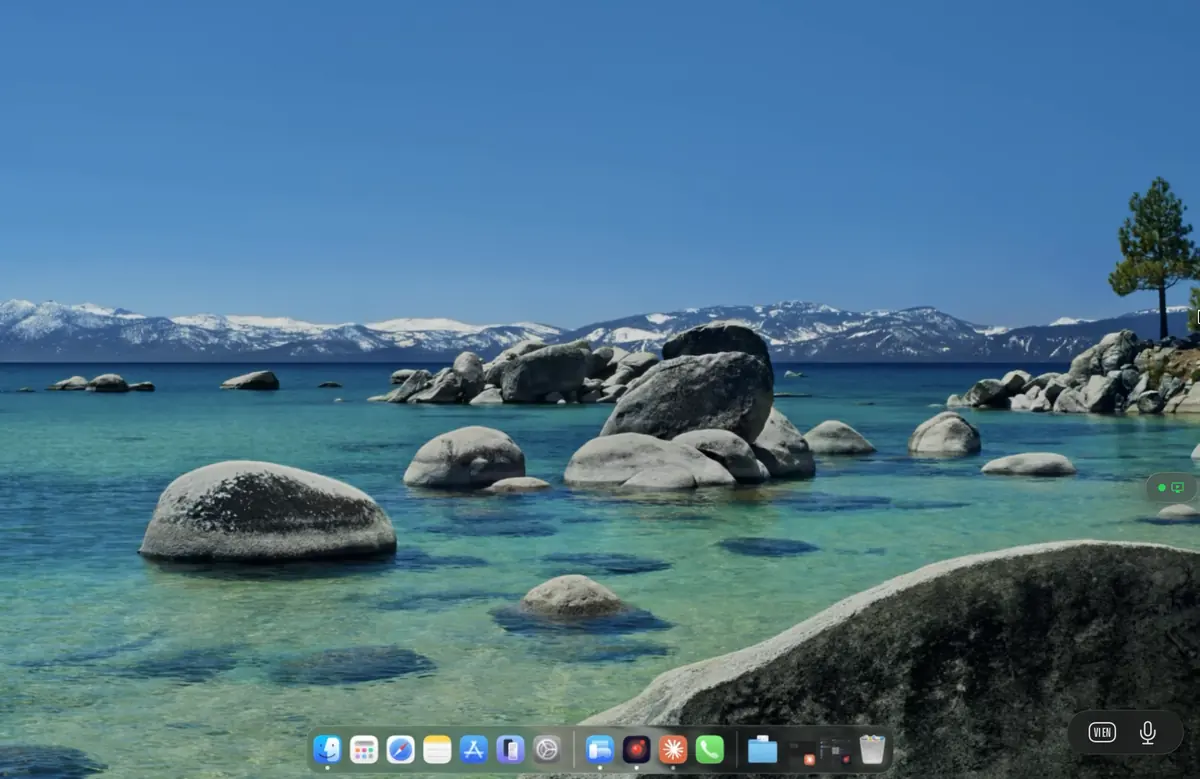
No. Remio streams the workstation's display to the iPad for monitoring and control — it does not record the broadcast itself. OBS or Streamlabs on the workstation still handles the broadcast pipeline. The iPad sees only what the workstation's display shows.
Is the preview on the iPad fast enough to call scene changes?
Yes. On a wired LAN the iPad preview trails the workstation's monitor by about 8 ms of processing, measured internally — the rest is the display's own 60 Hz refresh cadence. The audience still sees the broadcast delay, but the iPad-to-rig path feels immediate.
Will I end up double-recording or double-encoding?
No. Remio's stream from the workstation to the iPad is a separate pipeline from your broadcast encode. The OBS hardware encoder still does the broadcast encode; Remio uses its own hardware H.265 path to deliver the workstation's screen to the client. The two pipelines run in parallel on the workstation's GPU without contention on modern Apple, NVIDIA, and AMD silicon.
Does my webcam need to pass through Remio?
The webcam stays plugged into the streaming workstation, the same as it always did. OBS sees the webcam natively. Remio only streams the workstation's display and forwards your input — it does not need to know about the webcam at all. The same applies to capture cards, USB microphones, and StreamDeck devices: they all stay on the workstation.
Is this a replacement for a Stream Deck?
Not exactly. Stream Deck is a dedicated tactile control surface with physical keys; Remio is a full mirror of OBS that you can touch directly. The two complement each other well: keep the Stream Deck for the muscle-memory hotkeys you press without looking, use Remio when you need to see what you are switching to — a new browser source, a new alert template, the OBS dock for a scene you do not have a Stream Deck key for. On iPhone, iPad and Android, Remio's Control Board also lets you make buttons of your own — a press, a double press or a hold plays a shortcut, types text or waits. Six are free. Many streamers run both.
Does Remio work over mobile data when I am off the Wi-Fi?
Yes. Remio adapts the bitrate to the available link. On a strong LTE or 5G connection the experience is comparable to a busy hotel Wi-Fi — usable for scene switching and audio cue control, with frame rate dropping first if bandwidth tightens. For a critical broadcast it is wiser to tether to a known network, but for the 'I forgot to mute the chat overlay' moment from the bathroom, mobile data is enough.