Counter-Strike 2
H.265Competitive · LAN
60fps
~8 ms processing
1440p · SDR
A wired LAN puts Remio at about 8 ms of processing latency on an M2 Pro client — your input lands before the next frame draws. Every title runs buttery smooth, up to 6K at 120 FPS. No account, no vendor lock, no per-seat license.
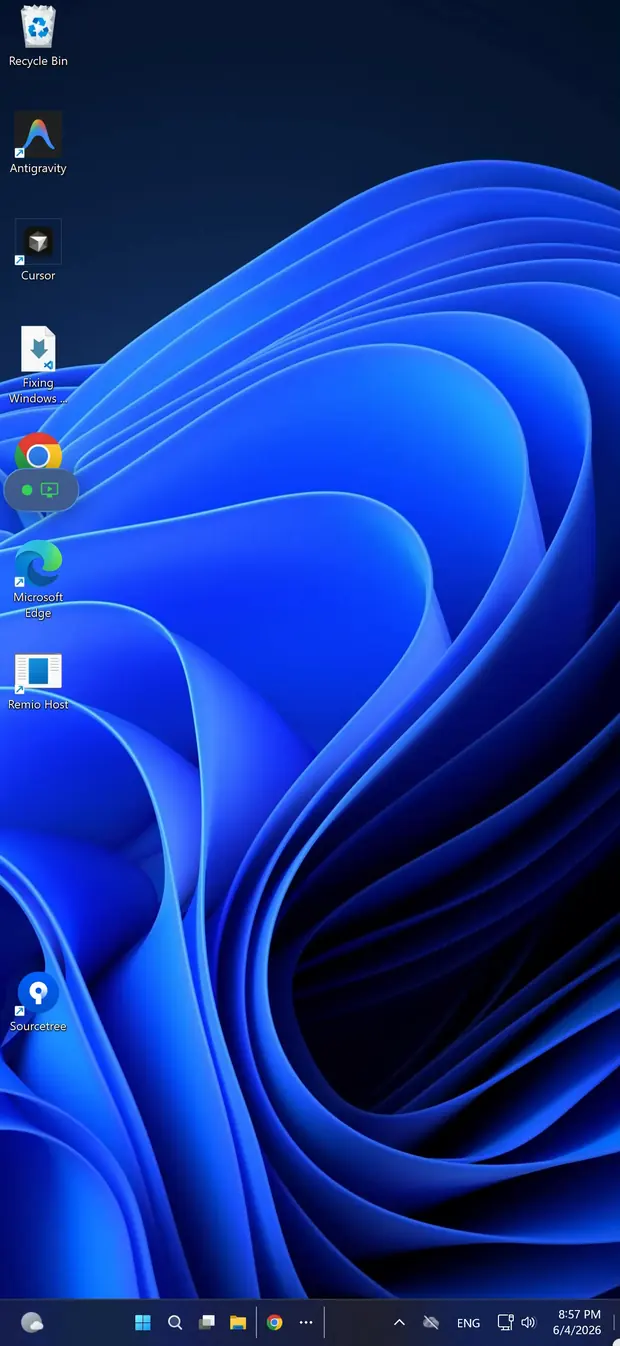
Remio streams the whole Windows desktop — Steam Big Picture, the launcher, the game — to the screen in your hands. The GPU heat stays in the other room; the controller in your lap feels wired to the PC. Game mode — one switch sets up a session for playing: the highest frame rate your screen shows. Remio remembers it for each computer.
One pairing. Every store, every launcher.
Every title rides the same hardware encoder — no per-game tuning, no allowlist. Up to 240 fps on the Mac and Windows apps, on a display faster than 120 Hz, from a computer that can keep up and runs the latest Remio Host.
Host: Ryzen 7 7800X3D, Radeon RX 7900 XTX, Windows 11, wired 2.5 GbE. Client: iPad Pro M4 on Wi-Fi 6E or M2 Pro MacBook on wired LAN.
Competitive · LAN
1440p · SDR
Story · ray tracing
4K · SDR
RPG · turn-based
1440p · SDR
Action · 60 cap
4K · SDR
Battle royale · DX12
1440p · SDR
Roguelike · 2D
4K · SDR
Figures assume a wired 2.5 GbE link to the host and a clean Wi-Fi 6E channel for the iPad client — measured internally. Across the public internet, latency tracks your route — Remio steps down to standard color and adjusts bitrate without dropping the session.
Controllers, color, and the network path — the parts that make a stream feel local or feel remote.
Bluetooth pair a PS5 DualSense, Xbox Wireless Controller, 8BitDo Pro 2 or any MFi controller. On a Windows or Linux computer, up to four controllers show up as real Xbox 360 or DualShock 4 controllers, each in its own player slot, with rumble coming back to your hands — and a PlayStation controller connected to an iPhone, iPad or Mac also passes its motion sensors, touchpad and light bar (on Apple TV: motion and light bar), with a current Remio Host. On a Mac, a controller is mapped to keys and mouse instead: one player, no rumble. With Remio Pro, plug a controller, wheel or flight stick into the Mac or Windows PC you connect from, and games on the Windows PC or Linux computer you're controlling see the real device.
Hardware H.265, with H.264 fallback, over a direct device-to-device link to Liquid Retina XDR on iPad Pro, OLED iPads, and modern Android panels. HDR comes from a Mac with Apple silicon or a Windows PC with an HDR display and a GPU that can hardware-encode H.265 Main10, to a device with an HDR screen; turn it on in the stream settings. True 4:4:4 color for razor-sharp HUD text is now live — Macs and NVIDIA- or Intel-powered PCs streaming to Mac, Windows, iPhone and iPad, more pairs on the way.
Remio watches your connection and adapts to it. Walk from the office to the kitchen and the stream lowers its bitrate a notch, then recovers — it does not stutter. A lost packet is re-sent straight away if it can still arrive in time; if it can't, Remio skips it and asks for a fresh frame instead of waiting.
The host uses the hardware video encoder on NVIDIA, AMD, Intel, or Apple Silicon. There is no vendor allow-list. A Mac Studio streams through Apple's encoder; a Ryzen plus Radeon PC through AMD's. You do not buy a different GPU to use Remio.
Remio streams the whole desktop session — there is no per-game allowlist and no separate streaming service to register.
Big Picture launches as it does locally. Steam Input rebinds your controller to whatever layout the title expects. Cloud saves sync. Workshop installs work the same way.
Free weekly Epic launches stream the same as paid titles. GOG Galaxy and Battle.net both deliver their full library, including Diablo IV and Call of Duty, without a separate streaming permission.
Game Pass titles installed locally on the host stream through Remio. Forza Horizon 5, Starfield, and Halo Infinite render at the host GPU's native quality, then encode for the client over the existing session.
Valorant and League of Legends run through Vanguard and the Riot anti-cheat exactly as they do locally. Remio is not a virtualization layer, so kernel-level anti-cheat sees a normal session.
A straight read of the gaming-relevant axes. Numbers from each vendor's documentation as of May 2026.
| Axis | Remio | Parsec | Moonlight | Steam Link |
|---|---|---|---|---|
| Host GPU support | NVIDIA, AMD, Intel, Apple Silicon | NVIDIA and AMD | NVIDIA only | NVIDIA, AMD, Intel |
| Account required | None — QR code or PIN | Yes | Self-host Sunshine | Steam account |
| Color fidelity | 4:4:4 from a Mac or NVIDIA/Intel PC → Mac, Windows, iPhone, iPad; standard elsewhere | Standard color on free tier | Standard color | Standard color |
| Maximum frame rate | 120 fps (up to 240 on the Mac and Windows apps) | 60 fps on free tier | 120 fps (up to 240 on the Mac and Windows apps) | 60 fps |
| End-to-end encryption | Direct, end to end | Partial, cloud relay | LAN only | LAN only |
| Setup time | Around 30 seconds | 5 to 10 minutes | 10 to 20 minutes | 5 minutes |
| Price | Free, no tier | Freemium | Free, open source | Free with Steam |

Install Remio on the gaming PC and on the iPad, Mac, or Android device you want to play from. Scan the QR code or type the Device ID and PIN once — the two devices stay paired.
Free to useNo accountAny GPU