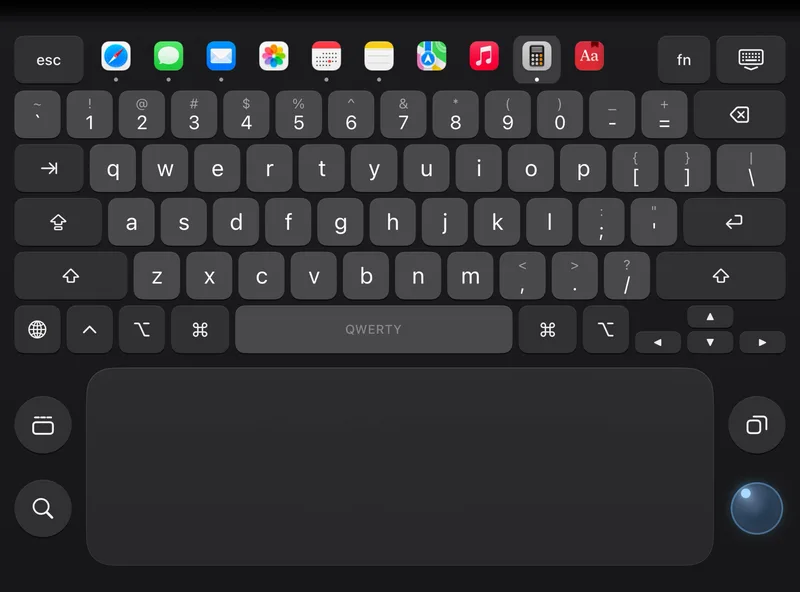
Apps Pro
A laptop keyboard with your computer's apps on its top row. Tap one to switch.
Stand it half-open: a backlit keyboard and glass trackpad, or the pointer under your thumb.
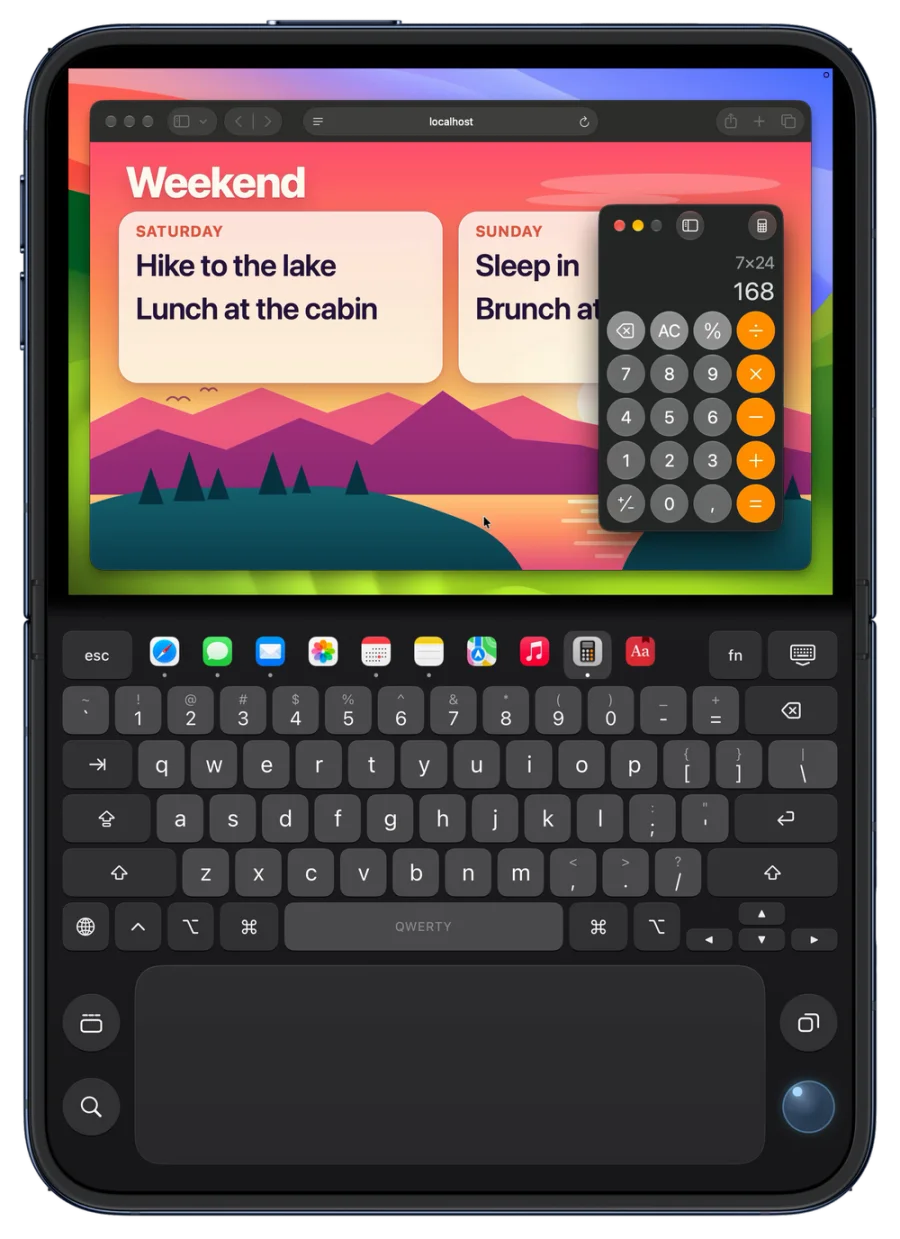
Stand your iPhone half-open on a table to use the lower half.
A laptop keyboard with your computer's apps on its top row. Tap one to switch.
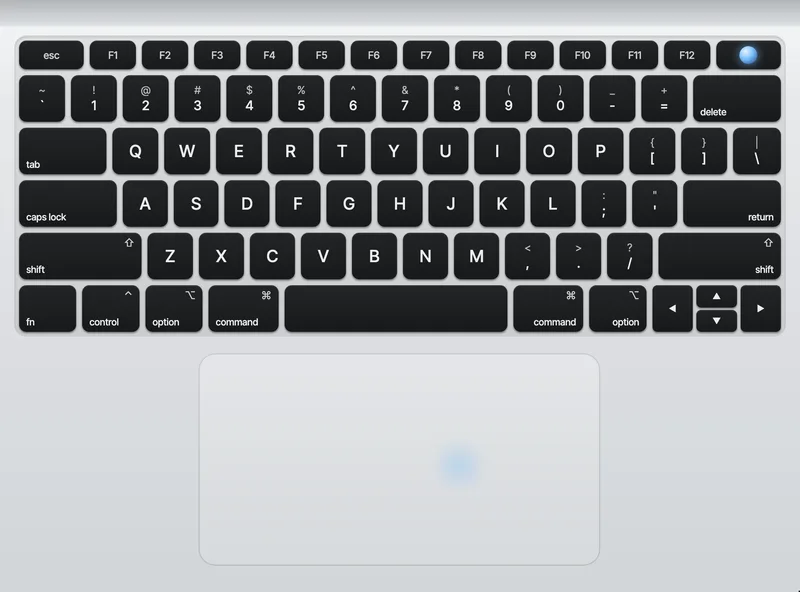
Backlit keys and a glass trackpad - as beautiful as a real laptop.
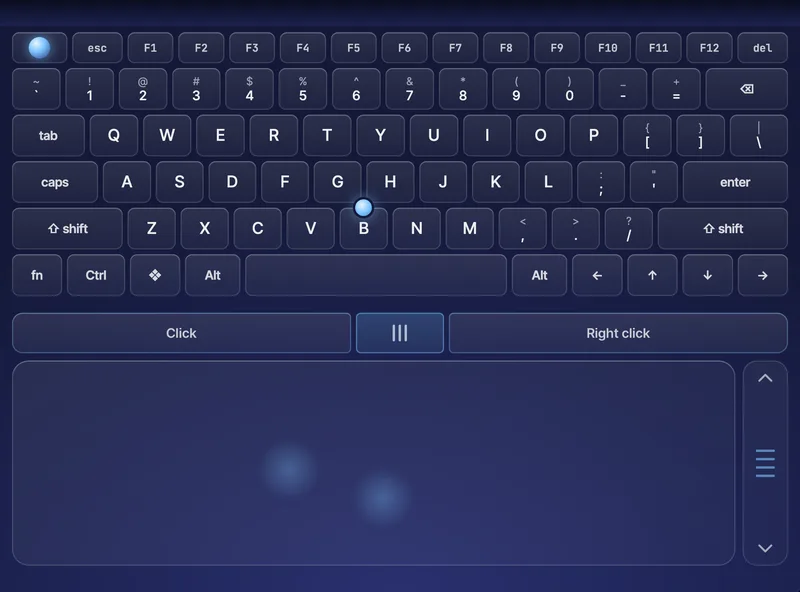
Every key of a workstation, a full-width trackpad, three mouse buttons.
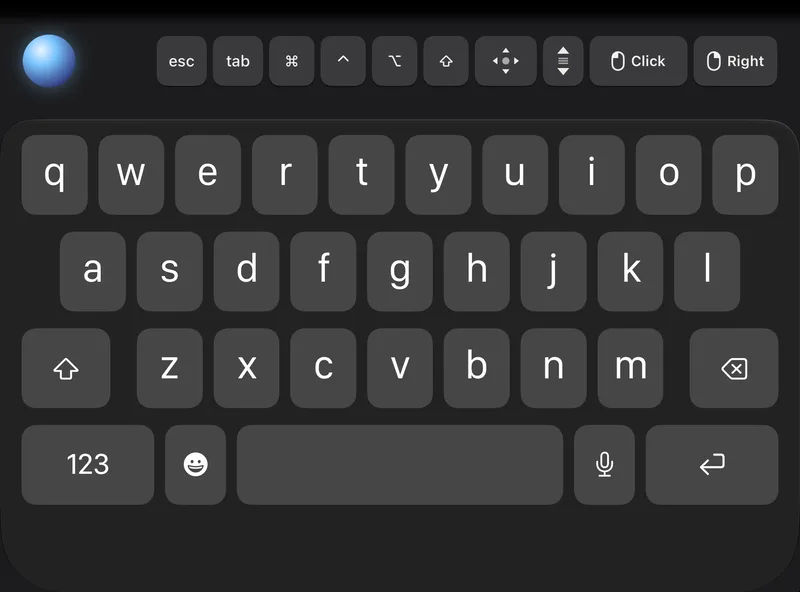
The iPhone keyboard you know, with the pointer right under your thumb.
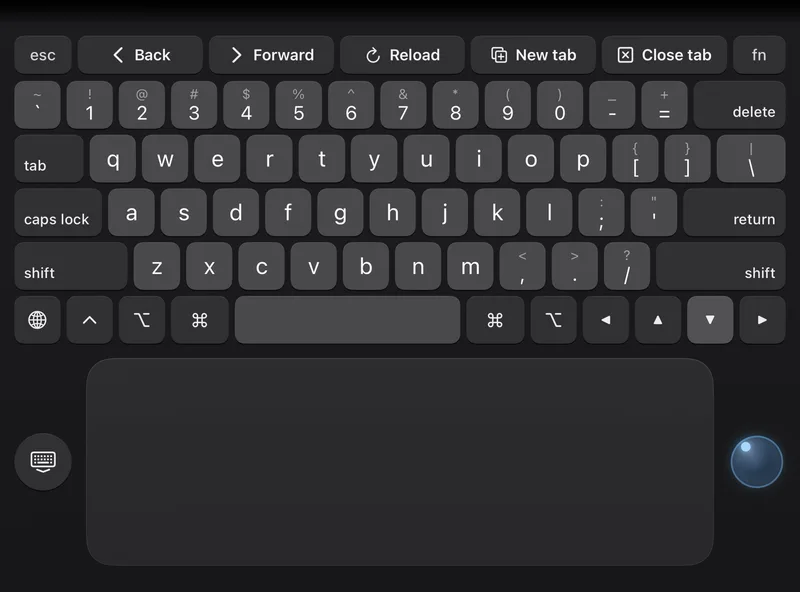
The whole lower half is a trackpad. Click a text field and the keyboard rises by itself.
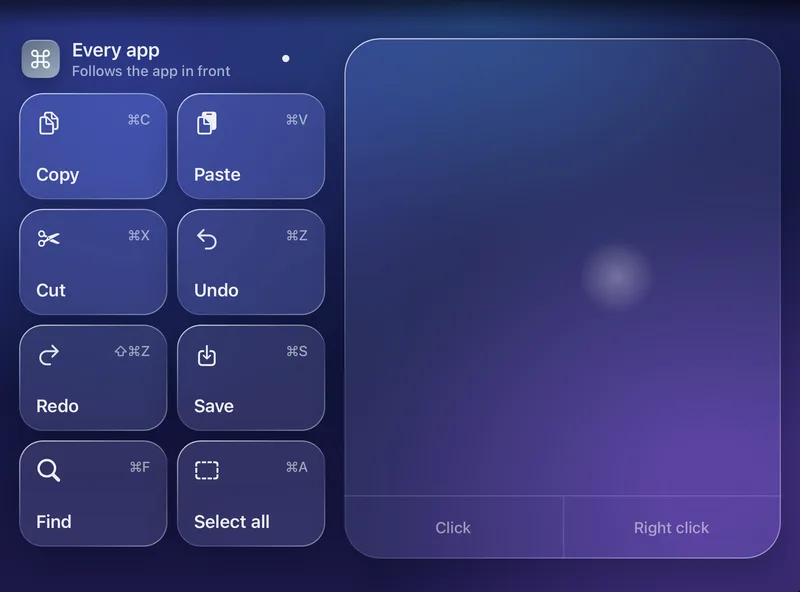
Big keys that change with the app in front, beside a really wide trackpad.
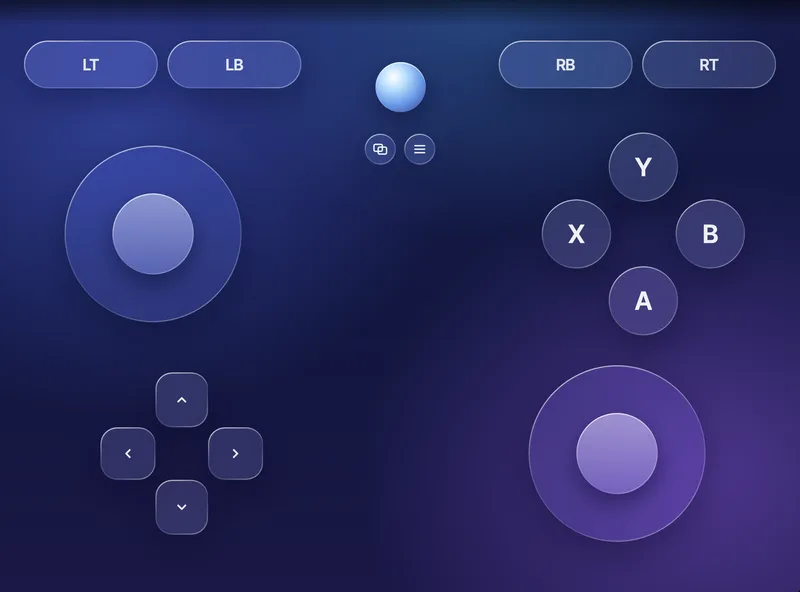
The lower half becomes a controller; the game plays above.
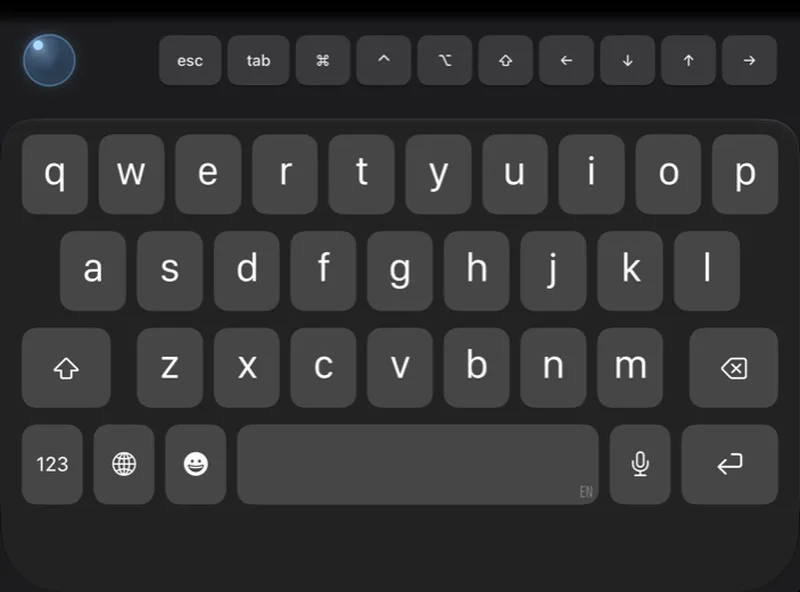
Just like today: the iPhone keyboard and its special-key row. Free.
Some features need the latest Remio Host on your computer.

Download Remio on every device you own - your 7-day Pro trial is one tap away inside the app.
iPhone keyboard: Free for everyoneRemio Pro - switch decks any time