Remote desktop for 3D artists, architects, engineers

Your render rig, follows you everywhere.

Blender Cycles, V-Ray, SolidWorks PhotoView — your workstation grinds, your laptop stays cool. Real-time orbit feels native at 8ms LAN latency. CUDA and OptiX on the host; pen, 3D-mouse, and Wacom from the client. The MacBook Air becomes a window onto a 5000-dollar tower.

Why thin clients fail for 3D

Citrix and Horizon were not built for the viewport.

VDI products were designed to display office apps — Word, Outlook, the occasional PDF. They handle static screens beautifully and break the moment a Blender viewport starts orbiting at 60fps. The mismatch is not because remote graphics is hard; it is because the codec, the bandwidth budget, and the input path were never tuned for a sculptor pulling on a mesh.

Bandwidth that gives up at the viewport

Office VDI products budget 1-2 Mbps per session and assume mostly-static screens. The moment a 3D viewport starts orbiting, every pixel is changing every frame. The result is the soft, blocky, posterised picture VDI users have learned to live with. Remio uses 8-25 Mbps of headroom and tunes the codec for high motion — the orbit stays sharp.

Codecs that smudge edges

Most VDI uses H.264 with desktop-optimised quantisation that smudges high-frequency edges — the same edges that define a clean isoline in SolidWorks or a hard crease in ZBrush. Remio uses H.265 with screen-content tuning; isolines stay crisp, wireframes stay countable, text stays legible at zoom.

Input paths that lag the orbit

VDI typically buffers input alongside video for "sync". The result is a viewport that orbits half a second behind the mouse — fine for clicking a Save button, lethal for sculpting. Remio routes input on a separate low-latency channel; the cursor and the viewport track together at LAN speed.

Pen and pressure as second-class citizens

Most remote protocols treat a Wacom stylus as "mouse-with-extra-buttons" and discard the pressure stream. ZBrush, Substance Painter, Procreate Dreams, Photoshop — every pressure-sensitive app degrades to flat strokes. Remio passes pressure, tilt, and azimuth end to end.

GPU passthrough that just works

CUDA, OptiX, Metal — all on the host. The client just shows the result.

3D applications are GPU-bound by design. Cycles renders on CUDA. V-Ray uses OptiX denoising. Octane needs CUDA cores. SolidWorks PhotoView uses CPU rendering but Visualize uses the GPU. Maya's viewport relies on hardware OpenGL. Every one of these stays on the host workstation where the silicon lives.

8 ms
Glass-to-glass orbit on LAN, M2 Pro host
60 fps
Viewport stream, 120 Hz on M-series MacBook
Host renders, client displays

The split that makes everything else simple

Every pixel in the viewport is rendered by the host GPU at its full native rate. The host then encodes that picture with its hardware video encoder (NVENC on NVIDIA, AMF on AMD, Apple Media Engine on M-series) and sends the encoded stream to the client. The client decodes with its own hardware decoder. Neither end ever touches the geometry, the textures, or the scene file — only finished pixels move.

No cloud GPU rental

The hardware you already own

Cloud GPU services (Lambda, Paperspace, Vast.ai) charge by the hour for hardware you do not own. Remio runs on your hardware — the RTX 4090 you bought, the M2 Ultra in the studio closet, the Threadripper under the desk. Render time costs nothing extra; you only pay the bandwidth bill for streaming, which on a residential connection is typically free.

3D mouse and Wacom support

Every input device you bought for the workstation.

3D workflows are defined by their peripherals. A SpaceMouse for navigation. A Wacom Cintiq for sculpting. A Loupedeck for shortcut macros. Remio forwards each one end to end so the workflow you built around them does not change when you move to a thin client.

3Dconnexion SpaceMouse

SpaceMouse Wireless, Compact, Pro, and Enterprise all work. Plugged into the host: works natively in Maya, Blender, SolidWorks, Revit, Rhino with the 3Dconnexion driver. Plugged into the client: six-axis events forward over Remio's input channel to the same driver on the host.

Wacom Intuos and Cintiq

Pressure, tilt, azimuth, and pen-button events all forward to the host. ZBrush sculpts respond to pressure. Substance Painter brush flow tracks pen velocity. Photoshop pressure-sensitive opacity behaves the same as a directly-attached tablet. A Cintiq Pro 16 on the client effectively becomes a Cintiq plugged into the workstation.

Loupedeck and Stream Deck

Macro pads plugged into the client (CT, Live, Stream Deck XL) trigger system-level keystrokes that forward to the host. The same Loupedeck profile you built for Lightroom or Premiere on the workstation continues to fire correctly when the panel is on the client side of the wire.

Apple Pencil 2 and Pro

On iPad Pro and Air, Apple Pencil 2 and Pencil Pro report pressure, tilt, double-tap, and squeeze (Pencil Pro). Remio forwards these as native HID events that ZBrush, Blender's sculpt mode, Procreate (when streaming Procreate Dreams from a Mac), and Photoshop receive as full pen events.

Real workflows

Three artists, three workstations, one tablet each.

Composited from real conversations with users. Names abstracted, software versions and hardware specs preserved.

Blender Cycles modelling

Character artist on 14" MacBook, RTX 4090 in office

A character artist runs Blender 4.3 on a Threadripper PRO + RTX 4090 tower. From the cafe she opens her 14" MacBook Pro, connects to the tower with Remio, and orbits the Cycles viewport in real time. EEVEE Next preview runs at 60fps. Sculpting in dyntopo mode with the Apple Pencil on a connected iPad sidecar feels native — pressure curve is preserved end to end.

Revit BIM coordination

Architect on iPad Pro 13", workstation at the firm

A BIM coordinator runs Revit 2026 on a Xeon W workstation. The 50GB central model lives on a fileserver behind the firm firewall. From a client meeting room, he opens the iPad Pro, taps the firm pairing, and is in the model in 3 seconds. Cloud worksharing changes sync to the workstation; he reviews them at the client's table without exposing the firm's fileserver to the wider internet.

SolidWorks PhotoView

Mechanical engineer on MacBook Air, Quadro in office

A product designer runs SolidWorks 2026 + PhotoView 360 on a Threadripper + RTX A6000 in the office. Renders take 8-40 minutes per shot. He kicks off a render queue Friday afternoon, closes the office laptop, and from home Saturday morning opens a MacBook Air to check the queue. Renders kept running; the Quadro did the work; the MacBook battery never dipped below 80%.

Compare to cloud GPU

Your hardware vs renting somebody else's.

Lambda Labs, Paperspace, RunPod, and Vast.ai rent GPU time by the hour. Remio gives you the same remote-access experience using the GPU you already own. The math depends on how often you render.

Cost over a year

A cloud A100 80GB rents for roughly $1.20-2.00/hour on spot, $3.00-4.00/hour on demand. Render 40 hours per month: $480-1600/year. An RTX 4090 (24GB, comparable for 3D work) is a one-time $1600 — payback in 12-18 months, then free. Remio adds zero recurring cost beyond your home electric bill.

Latency to first pixel

Cloud GPU sessions cold-boot from an image — typically 2-5 minutes from "spin up" to interactive desktop. Your workstation is already running. Remio connects in 2-3 seconds; the cursor moves; the viewport is alive.

Data stays at home

Cloud GPU forces you to upload your scene files to a third-party server every session. For client-confidential work, signed NDAs, or studio-proprietary rigs, this is a deal-breaker. Remio keeps every asset on your workstation; only encoded pixels leave the network.

Licenses you already paid for

Maya, ZBrush, SolidWorks, Revit, V-Ray — your seat licenses live on the workstation. Cloud GPU images come with no licenses; you bring your own (BYOL) and re-activate every spin-up, or rent the software too. With Remio, licenses are wherever the workstation is.

Questions 3D artists ask first

Direct answers, no marketing detour.

Does Wacom pen pressure work?

Yes. A Wacom Intuos, Cintiq, or Wacom One plugged into the client passes pressure, tilt, and pen-button events through to the host. ZBrush, Mudbox, Substance Painter, and Photoshop all receive pressure the same way they would if the tablet were plugged into the workstation directly. Apple Pencil on iPad Pro behaves identically.

3D mouse (SpaceMouse) support?

Yes. On the host (plugged into the workstation), it works natively. On the client (plugged into the laptop/iPad), the device's axis events are forwarded to the host via Remio's input channel, which works with modern 3Dconnexion drivers on macOS and Windows.

What viewport FPS should I expect?

Viewport FPS is determined by the host GPU, not Remio. An RTX 4090 viewport at 60fps streams to the client at 60fps. Remio adds 8ms of glass-to-glass latency on a LAN — below the perception threshold for orbit. The viewport feels native.

VR or AR support?

VR headsets (Quest, Vive, Index) need direct host GPU access and submillisecond head-tracking, which no remote protocol can provide. AR overlays on iPad work normally since the AR rendering happens locally. Apple Vision Pro is supported as a Remio client — see vision-pro.

Texture painting in Substance Painter — responsive?

Yes on LAN. Brush response is GPU-bound at the host; Remio adds 8ms. With a Wacom on the client, the stroke appears under the pen tip with no perceptible delay. On WAN (cellular, hotel WiFi), expect 30-100ms — still workable but no longer transparent.

Can I run a render farm through Remio?

Remio streams a single desktop. For a render farm — multiple machines processing frames in parallel — use Deadline, Backburner, or similar. Remio is useful for the artist's workstation that submits jobs and reviews previews, not as a transport for the farm itself. The farm renders at full speed independent of Remio.
Free during launch, no account, no card

Your workstation does the grinding. You go anywhere.

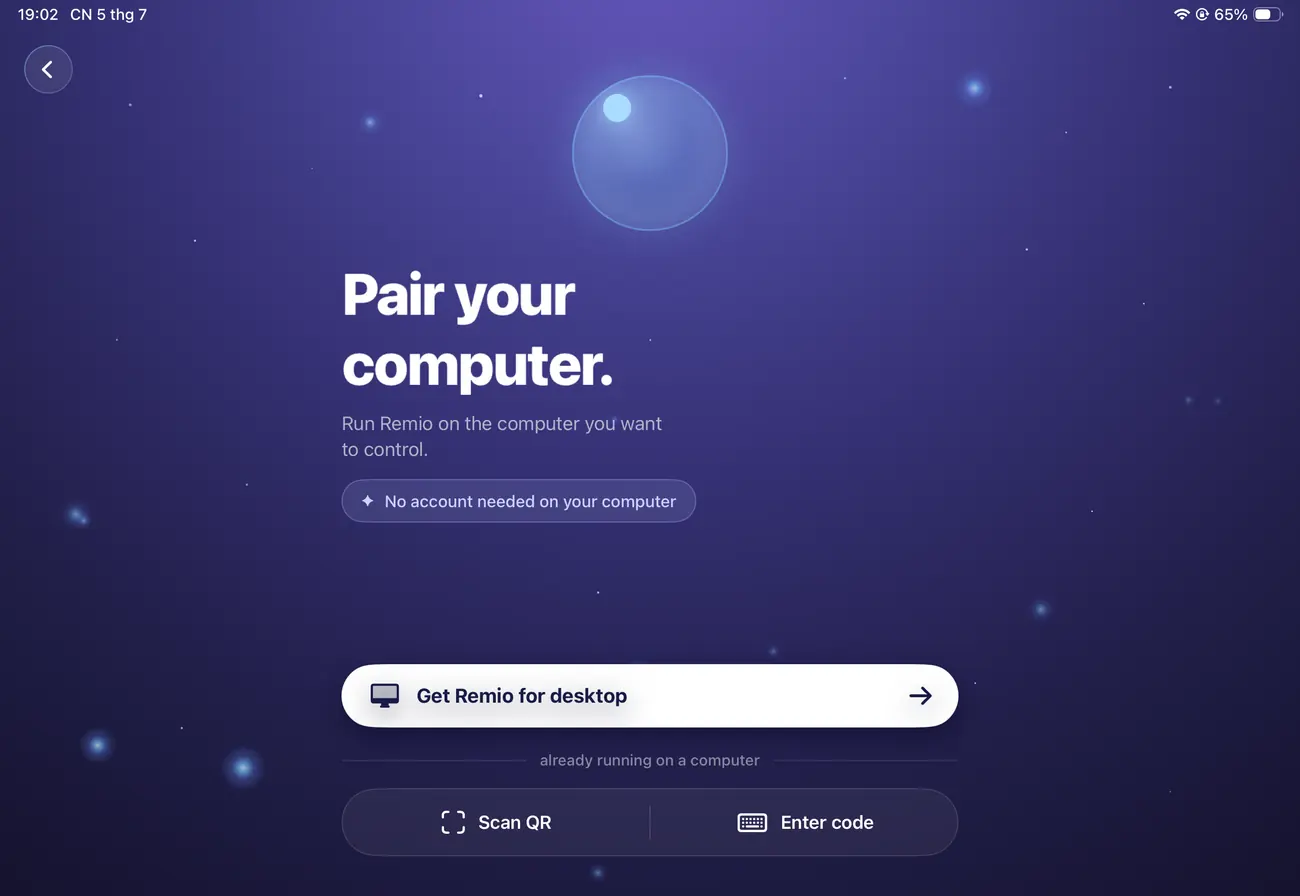
Install Remio Host on the tower with the RTX or the Apple Silicon. Install the client on the MacBook Air, iPad Pro, or Surface you carry. Pair once with a 6-digit code — the same Blender, the same Maya, the same SolidWorks, now reachable from the cafe, the airport, the kitchen table.

macOS, iOS, iPadOS, Windows, and Android. Free forever.