✦Second display Coming in Remio 3.2

The iPad and iPhone on your desk, now extra screens.

Remio turns the devices you already own into real extended displays for your Mac, Windows PC or Linux desktop — up to three at once, over your own Wi‑Fi. Drag a window across and it stays there.
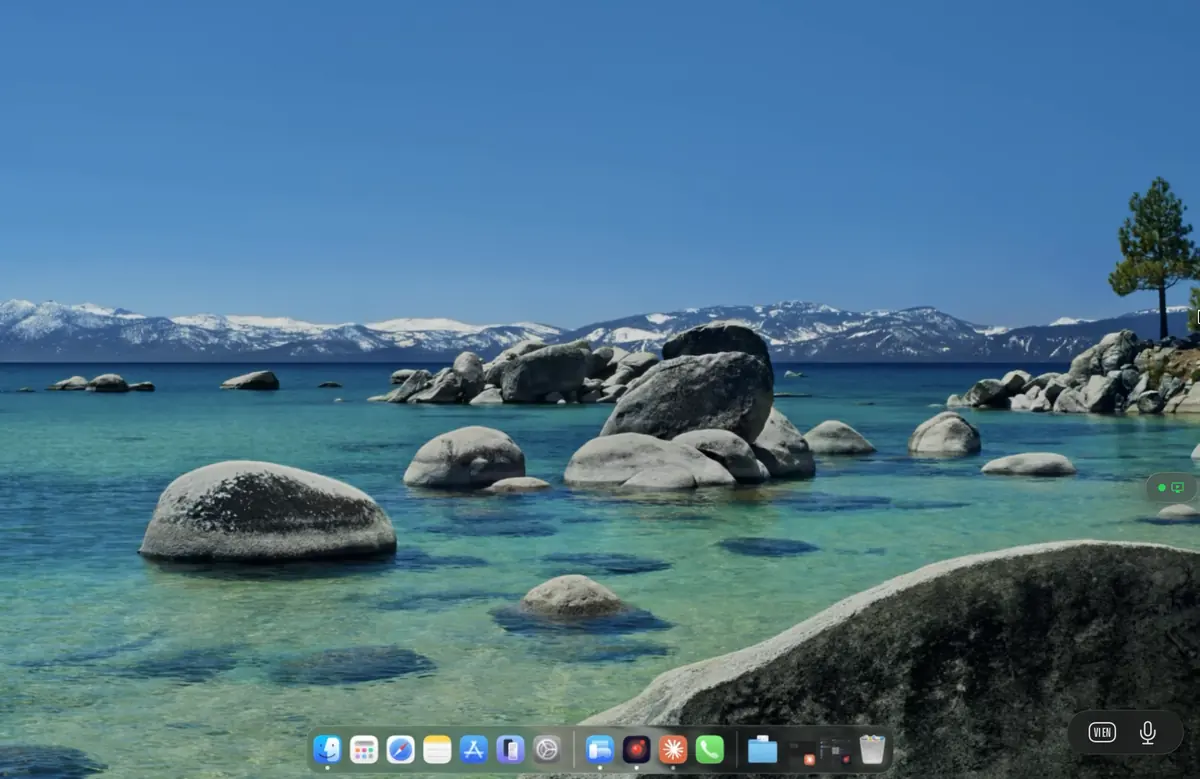
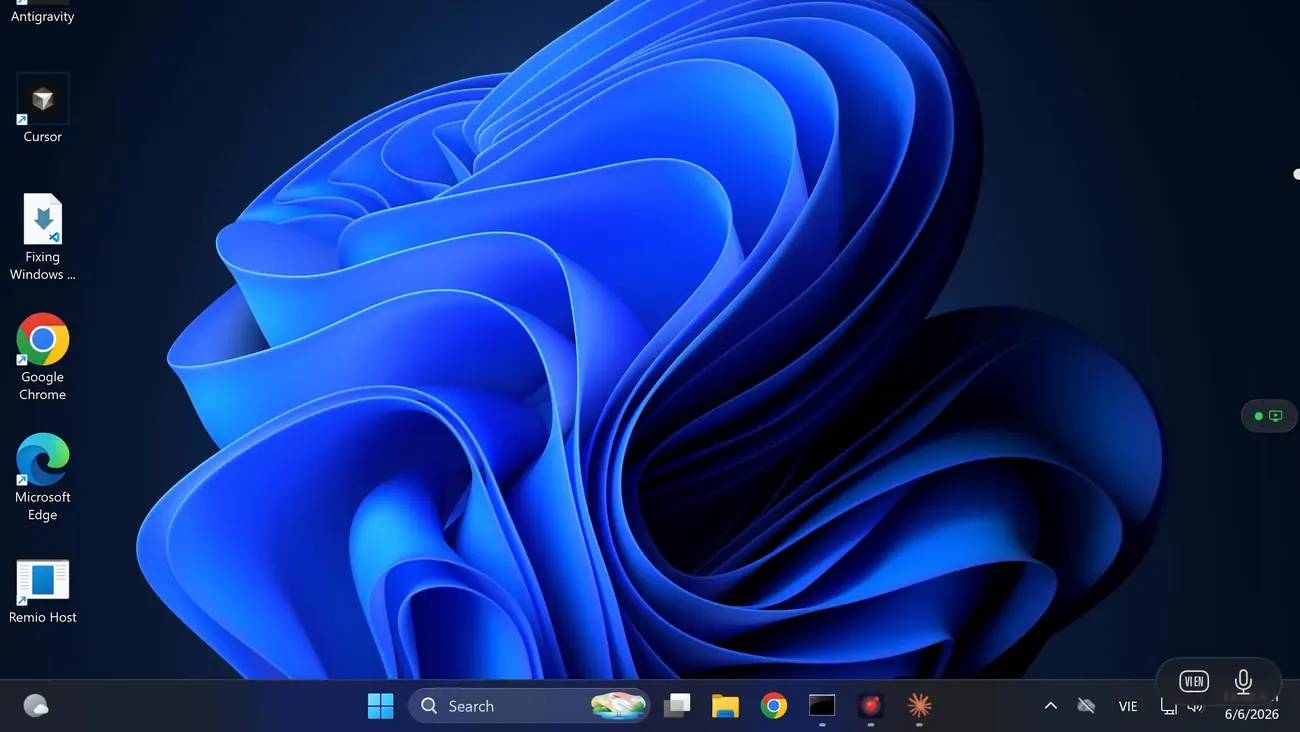
First display free Same Wi‑Fi, never the internet No cables, no Apple ID
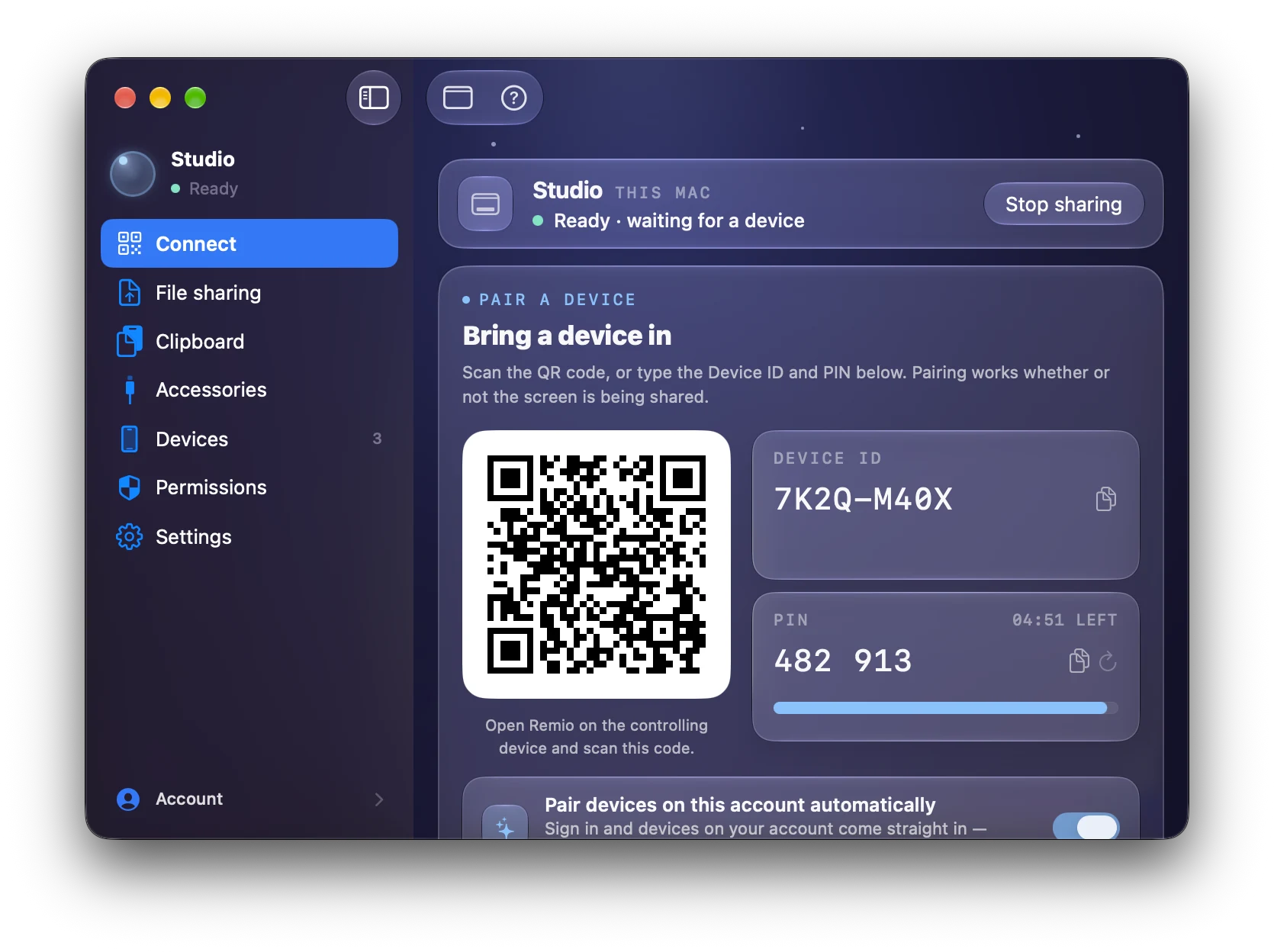
A Mac's main screen
An iPad as the Mac's second display, with a window dragged onto it
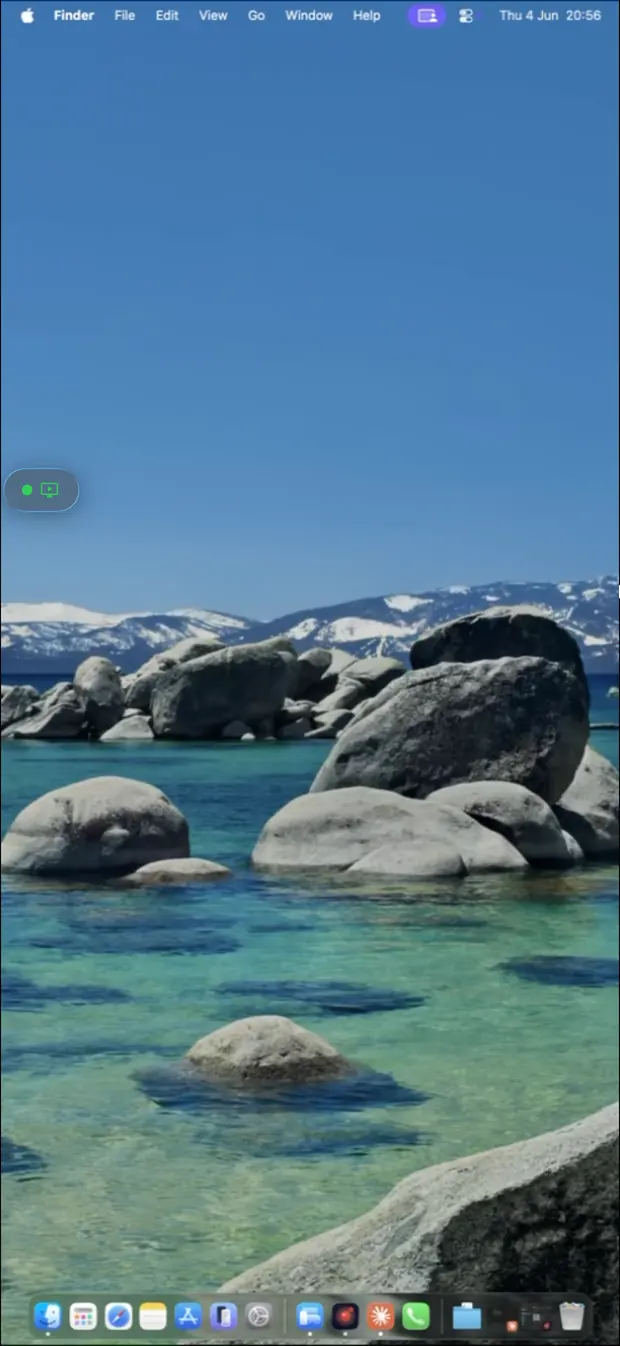
An iPhone as a third screen, showing the Mac's extended desktop and menu bar
✦Up to three

One computer. Up to three extra screens.

Each device you add shows up in the computer's display settings as one more monitor. Place it left, right or below — exactly where it sits on your desk.
Your computer Mac · Windows · Linux iPad 1 FREE iPhone 2 PRO Android tablet 3 PRO
3
extra displays per computer
1 free
on every computer, no subscription
2 + 3
with Remio Pro · $1.99/month
0
cables, dongles or Apple IDs
✦A morning at the desk

Your iPad on the right. Your iPhone on the left.

You sit down at your Mac with an iPad and an iPhone that already have Remio. Thirty seconds later you have three screens.

  1. Pair once. Install Remio Host on the computer and pair each device with its six-digit code — the same pairing you use for remote control.
  2. Tap “Use as second display” on the computer's card in Remio on the iPad. The Mac gets a new display; its own screen stays on.
  3. Do the same on the iPhone. A third screen appears. Tap Arrange displays… and the Mac's display settings open so you can place each one where it really sits.
  4. Drag windows across. Docs on the iPad, chat on the iPhone, your work in the middle. Tap and type on any of them.

Works the same with a Windows PC or a Linux desktop, and with Android phones and tablets.

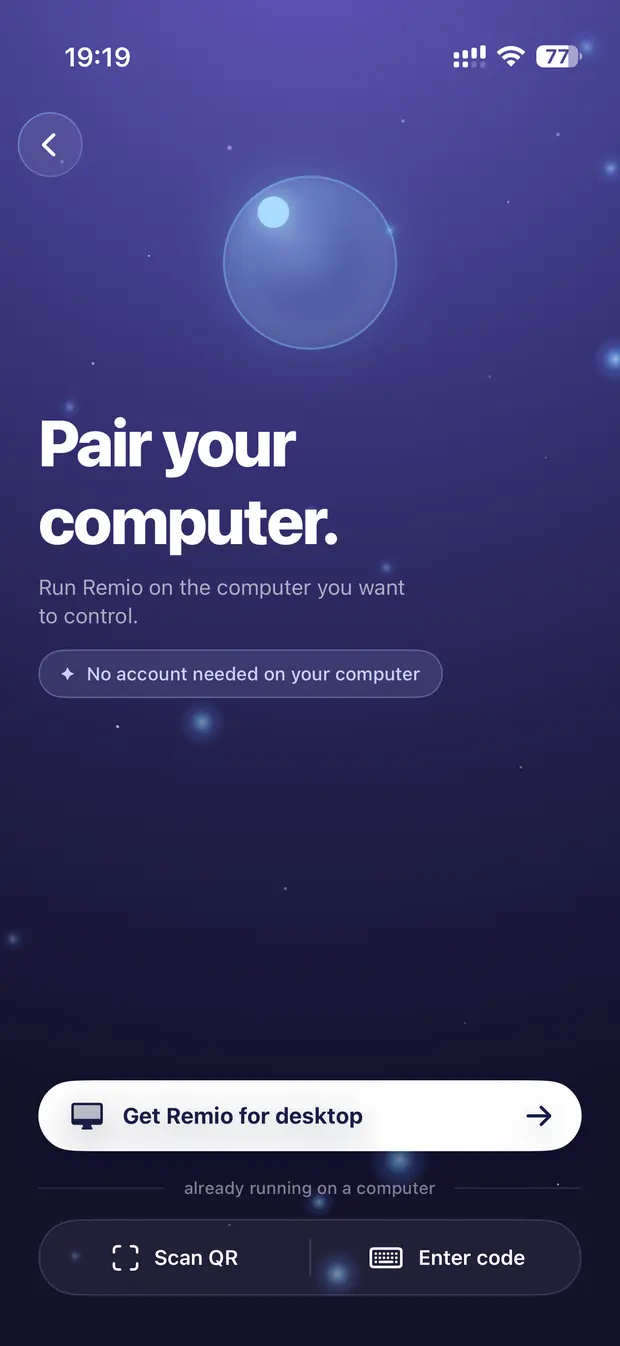
Pairing a computer in Remio on iPhone with a QR code or six-digit code
✦Local network

Same Wi‑Fi. Never the internet.

A second display talks to your computer straight across your own Wi‑Fi or wired network — never through a relay, not even while it reconnects. Your screen stays inside your home or office, and it feels as quick as a cable.

Internet Your Wi‑Fi or wired network Computer Mac · Windows · Linux iPad iPhone Android

Any shared network

Wi‑Fi or Ethernet, as long as both are on the same one. Guest networks often keep devices apart — Remio tells you when that's the case.

Stays in your network

No relay, no cloud in the middle. Like every Remio connection, it's end‑to‑end encrypted.

Rides out Wi‑Fi blips

If the connection drops, the computer keeps the display for 10–15 seconds while it comes back. If it doesn't, the windows return to your other screens.

Nobody takes over

While devices are acting as second displays, a remote‑control request from another device is declined — your screens never go dark under you.

✦Works with

Every computer Remio hosts on. Every phone and tablet.

The computer — Remio Host 3.2+

  • Mac — macOS 15 Sequoia or later
  • Windows — Windows 10 22H2 or Windows 11; Remio Host installs its own display driver
  • Linux — GNOME or X11 desktops

The second display — Remio app

  • iPad — iPadOS 18 or later
  • iPhone — iOS 18 or later
  • Android phones and tablets — Android 12 or later
✦Use cases

Stop alt‑tabbing. Park it on a device.

Whatever you keep glancing at goes on the iPad or iPhone. Touch, keyboard, files and clipboard work on every second display.

Code, docs, logs

Editor on the computer, documentation on the iPad, build output or a terminal on the iPhone.

Design & editing

Canvas or timeline in the middle, tool palettes or the preview on the iPad beside it.

Chat & mail

Slack, Teams or mail on the iPhone — in the corner of your eye, off your main screen.

Dashboards

Monitoring, analytics or a calendar on an old tablet that would otherwise sit in a drawer.

✦Questions

Common questions

How many second displays can one computer have?
Up to three at the same time. The first second display on each computer is free. The second and third need Remio Pro ($1.99 a month, 7-day free trial) on the device that adds them.
Does second display work over the internet?
No. It runs only when the computer and the device are on the same Wi‑Fi or wired network, and it never goes through a relay. That keeps it fast and keeps your screen inside your own network. To reach a computer from somewhere else, use Remio's remote control instead.
Which devices can be a second display?
iPhone and iPad on iOS or iPadOS 18 or later, and Android phones and tablets on Android 12 or later.
Which computers can use one?
Mac, Windows and Linux computers running Remio Host 3.2 or later. On Linux, Remio adds displays on GNOME and on X11 desktops.
What happens if the Wi‑Fi drops for a moment?
The computer keeps the display for about 10–15 seconds while the connection comes back. If it doesn't, the display is removed and its windows move back to your other screens — like unplugging a monitor.
Can someone take over my computer while I use second displays?
No. While other devices are acting as second displays, a remote‑control request from another device is declined with a clear message, so nobody can darken your screens under you.
How is this different from Apple Sidecar?
Sidecar turns one iPad into a display for a Mac signed in to the same Apple ID. Remio works with Mac, Windows and Linux computers, with iPhone, iPad and Android devices, needs no Apple ID — you pair once with a six-digit code — and runs up to three extra displays at once.
When can I use it?
Second display arrives with Remio 3.2 — Remio Host 3.2 on the computer and the Remio app on iPhone, iPad or Android. Follow the changelog for the release.
Remio app icon

More screens, from what's already on your desk.

Install Remio Host on your computer and Remio on your iPad, iPhone or Android, pair once, and tap “Use as second display”. The first one is free.