✦Sidecar alternative

Looking for a Sidecar alternative? Every screen you own becomes a second display.

Sidecar turns one iPad into a display for a Mac on the same Apple Account, within 30 feet. Remio does it for Mac, Windows and Linux computers — with an iPad, iPhone, Android phone or tablet, MacBook, Windows laptop or Apple TV as the extra screen. Up to three at once, at home or away. The first one is free.

✦Why people switch

Why do people look for a Sidecar alternative?

Sidecar is free and built in, and it does one pairing well: a Mac and an iPad side by side. People look further for three reasons.

01
The computer

Your computer isn't a Mac

Sidecar only extends a Mac. Remio Host extends a Windows PC (Windows 10 22H2 or Windows 11 — it installs its own display driver) and a Linux desktop on GNOME or X11 just as it extends a Mac. Each device you add shows up in the computer's display settings as one more monitor.

02
The screen

The screen you have isn't an iPad

Sidecar only takes an iPad. With Remio, the extra screen can be an iPhone, an Android phone or tablet, a spare MacBook, a Windows laptop or an Apple TV — and up to three of them at the same time. Mix platforms freely: a Windows laptop extends a Mac, and a MacBook extends a Windows PC.

03
The rules

No shared Apple Account, no 30-foot leash

Apple requires both devices on the same Apple Account with two-factor authentication, within 10 meters (30 feet), with Bluetooth, Wi‑Fi and Handoff on — and neither device sharing its internet connection. Remio pairs once with a QR code or a Device ID and PIN, no account, and connects straight between your devices at home or away. Like every Remio connection, it's end‑to‑end encrypted.

✦The differences

Where Sidecar and Remio differ

Facts about Sidecar from Apple's own requirements, set beside Remio.

Built in and free
Sidecar comes with macOS and iPadOS, with nothing to install and nothing to pay. Remio needs Remio Host on the computer and the Remio app on each extra screen; the first second display on every computer is free, and the second and third need Remio Pro.
Apple Pencil
Sidecar lets you point, draw and edit in Mac apps with Apple Pencil, including double-tap on Apple Pencil (2nd generation) or later. On a Remio second display you tap, type, and move files and the clipboard across.
Touch Bar and sidebar
Sidecar can show a Touch Bar strip and a sidebar with Command, Option, Control, Shift and undo on the iPad.
USB cable
Sidecar also runs over the iPad's USB charge cable. A Remio second display connects over your network: Wi‑Fi or Ethernet at home, or a direct path when you're away.
Older devices
Sidecar works with Macs from 2016 on and iPads on iPadOS 13 or later. Remio Host needs macOS 15, Windows 10 22H2 or 11, or a Linux desktop; the Remio app needs iOS or iPadOS 18, Android 12, macOS 15, Windows 10 (1809) or tvOS 18.
✦Head to head

How does Remio compare with Sidecar?

Side by side, the way you'd check before buying a cable — except there's no cable.

CapabilityRemio second displayApple Sidecar
PriceFirst display free on every computer; the second and third with Remio Pro ($1.99/month)Free, built into macOS and iPadOS
The computer it extendsMac, Windows PC or Linux (GNOME or X11)Mac only, on Apple's list of supported models
Devices that become the screeniPad, iPhone, Android phone or tablet, Mac, Windows PC, Apple TViPad only (iPadOS 13 or later)
Extra screens at onceUp to threeOne iPad
AccountNone — pair once with a QR code or a Device ID and PINSame Apple Account on both, with two-factor authentication
Where it worksAt home or away, straight between your devices — never through a relay or Remio's serversWithin 10 m (30 ft) with Bluetooth, Wi‑Fi and Handoff on, or over USB
Mix platformsYes — a Windows laptop extends a Mac; a MacBook extends a Windows PC or a Linux desktopNo — a Mac and an iPad
Remote control tooYes — the same pairing lets you control the computer from anywhereNo — Sidecar is a display, not remote access
✦Sidecar for Windows

Can you use Sidecar with a Windows PC?

Not Sidecar itself — it only extends a Mac. Remio does the same job for Windows: install Remio Host on the PC (Windows 10 22H2 or Windows 11), open Remio on your iPad, iPhone, Android tablet or MacBook, pick the PC and choose Use as second display. Windows sees one more monitor; place it in Display settings exactly where it sits on your desk, then drag a window across and keep working.

The first second display on every computer is free. Remio Pro ($1.99 a month, 7-day free trial) adds a second and a third at the same time.

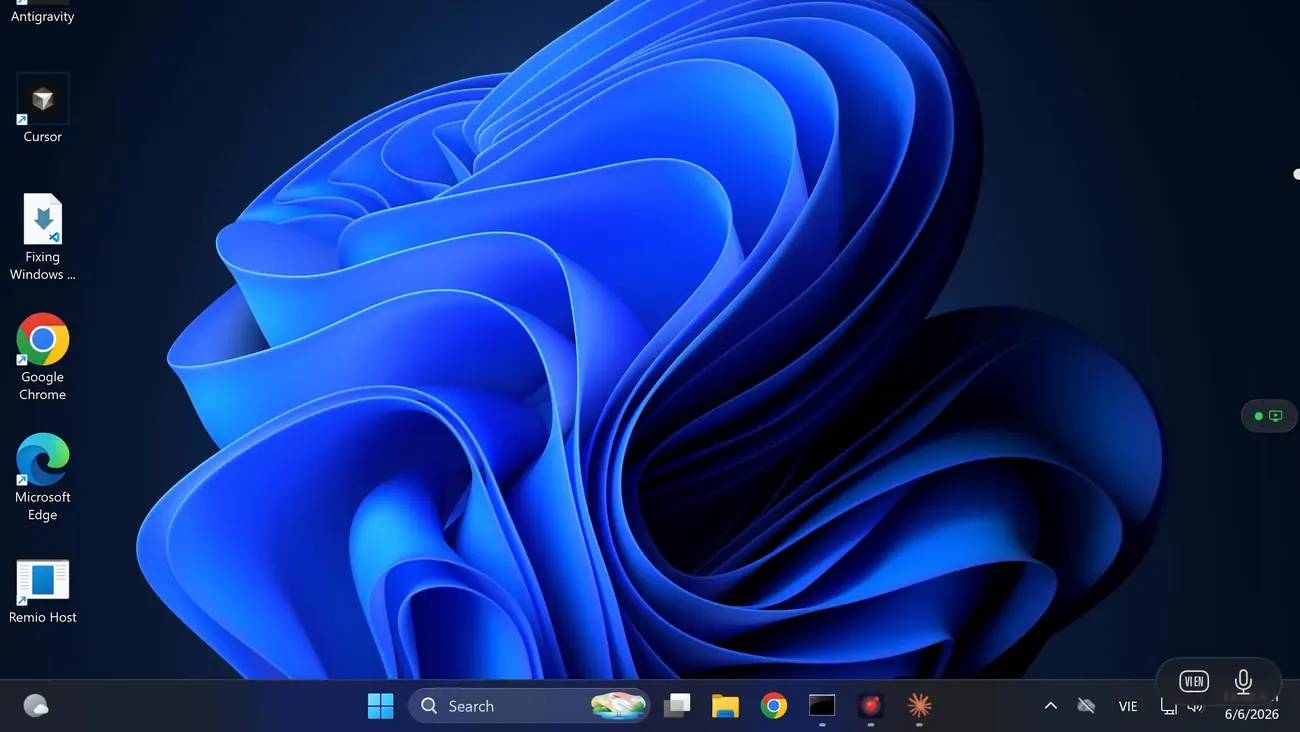
A MacBook as the extra screen of a Windows PC, showing its desktop and taskbar
✦Set up

How do you set up Remio as a Sidecar replacement?

About a minute per screen, and only the first time.

01

Install the host

Get Remio Host 3.2 or later from the download page for a Mac (macOS 15+), a Windows PC (Windows 10 22H2 or 11 — it adds its own display driver) or a Linux desktop (GNOME or X11).

02

Install Remio on the screen

iPad or iPhone (iOS and iPadOS 18+), Android phone or tablet (Android 12+), Mac (macOS 15+), Windows PC (Windows 10 1809+) or Apple TV (tvOS 18+).

03

Pair once

Scan the computer's QR code, or type its Device ID and PIN — the same pairing you use for remote control. No Apple Account, no Bluetooth, no Handoff. See the getting-started guide.

04

Use as second display

Choose Use as second display on the computer's card. A new monitor appears beside the one you're working on; arrange it in display settings and move your windows across.

✦Questions

Questions about Sidecar alternatives

What is the best alternative to Sidecar?
If your computer isn't a Mac, or your extra screen isn't an iPad, Remio fills the gap: it turns an iPad, iPhone, Android phone or tablet, Mac, Windows PC or Apple TV into a second display for a Mac, Windows PC or Linux computer, with no Apple Account — up to three at once. The first one on every computer is free. If you only ever pair a Mac with an iPad on one Apple Account, Sidecar is already built in.
Is there a Sidecar for Windows?
Apple's Sidecar only works with a Mac. With Remio, a Windows PC on Windows 10 22H2 or Windows 11 gets the same thing: install Remio Host, which adds its own display driver, then choose Use as second display in Remio on an iPad, iPhone, Android tablet or MacBook. Windows sees one more monitor in Display settings.
Can I use my iPhone as a second display for my Mac?
Not with Sidecar, which only takes an iPad. With Remio you can: on iOS 18 or later, choose Use as second display on your Mac's card, and the Mac gets a new display sized to the phone, not a squeezed copy of the monitor — handy for chat, a terminal or a timer in the corner of your eye.
Can an Android tablet be a second monitor for a Mac or a Windows PC?
Yes. Install Remio on the Android phone or tablet (Android 12 or later), pair it with your computer once, and choose Use as second display. It works with Mac, Windows and Linux computers running Remio Host 3.2 or later.
Can I use Sidecar with a different Apple Account?
No. Apple requires the Mac and the iPad to be signed in to the same Apple Account with two-factor authentication. Remio needs no Apple Account at all: pair once with the computer's QR code or its Device ID and PIN, so a family member's iPad or a work phone works too.
Is Remio's second display free?
The first second display on every computer is free, with no time limit. The second and third at the same time need Remio Pro ($1.99 a month, 7-day free trial) on the device that adds them.
Does it work away from home, or only at the desk?
Both. Sidecar needs the iPad within 10 meters (30 feet) with Bluetooth, Wi‑Fi and Handoff on, or a USB cable. Remio's second display connects straight between your devices — across your Wi‑Fi at home, and from the café, the hotel or the office whenever your devices can reach each other directly. It never goes through a relay or Remio's servers, and when there's no direct way, Remio tells you right away. Using it away from home needs the latest Remio Host and Remio app.
Remio app icon

The screens on your desk, working together.

Install Remio Host on your Mac, Windows PC or Linux computer, and Remio on your iPad, iPhone, Android, Mac, Windows PC or Apple TV. Pair once, choose “Use as second display”, and the first one is free.

First display freeNo Apple AccountMac · Windows · Linux computers