iPad → Windows

Your Windows PC, with room to actually work.

A native iPadOS app — not a browser tab. Magic Keyboard and trackpad drive a real Windows pointer, Apple Pencil gives you pixel-precise clicks, and the bigger canvas makes a full work session comfortable, not just possible. No RDP, no Microsoft account, no VPN.

Free forever No account iPadOS 18+ · Windows 10 & 11
Streaming

A native iPad client, not a browser tab.

Remio is 100% SwiftUI on iPadOS — no WebView, no JavaScript bridge, no Electron anywhere in the rendering path. The Windows host hardware-encodes with your GPU's media engine, and the iPad decodes on VideoToolbox onto a Metal-backed layer, so a 4K 60 fps desktop costs a few percent of CPU and barely touches the battery. A separate, prioritized input channel means your keystrokes and clicks land before the next video frame, even over a saturated hotel Wi-Fi.

On an iPad Pro, the picture runs at 120 Hz ProMotion when the Windows GPU can feed it — cursor motion feels like local glass, not a stream.

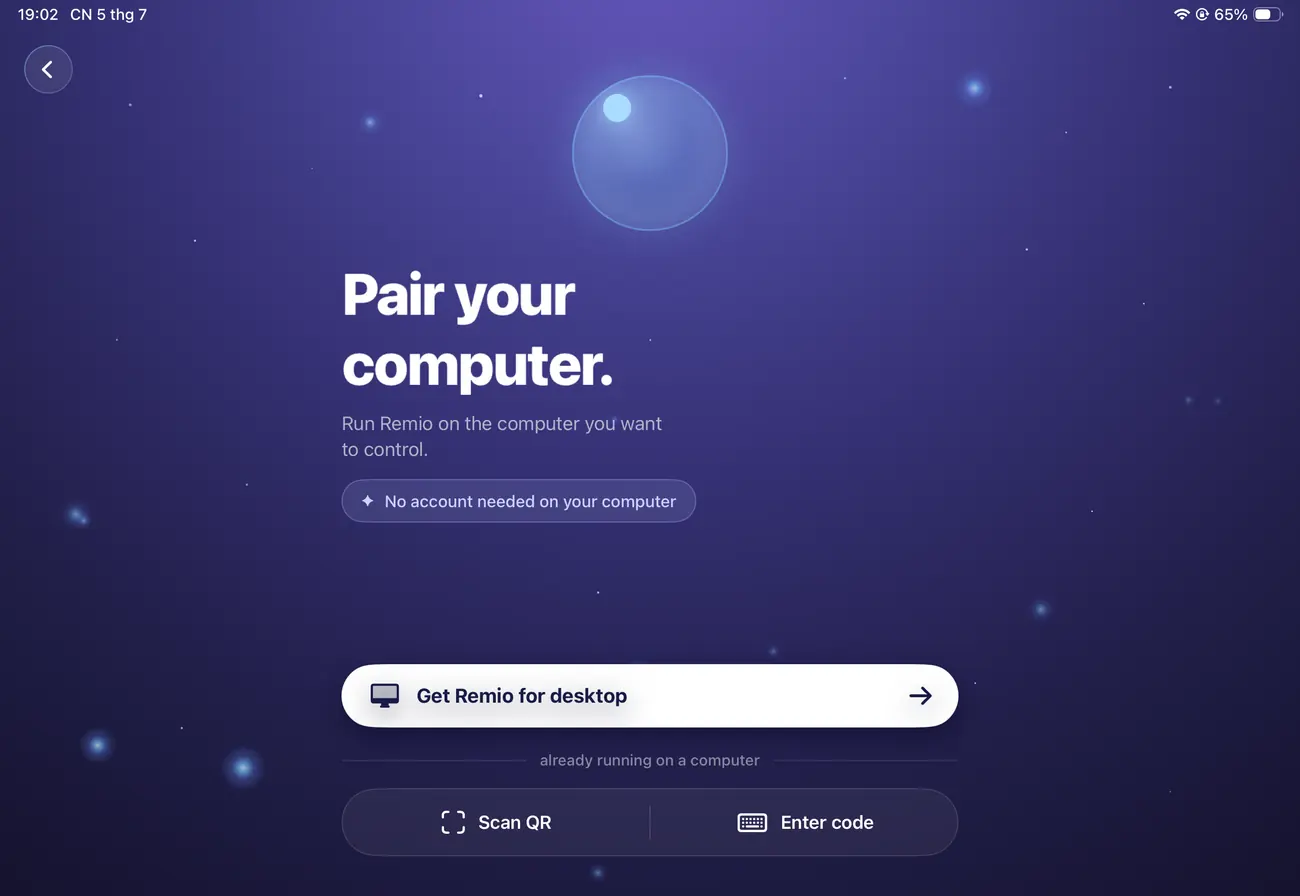
The Remio pairing screen on iPad, ready to connect to a Windows PC
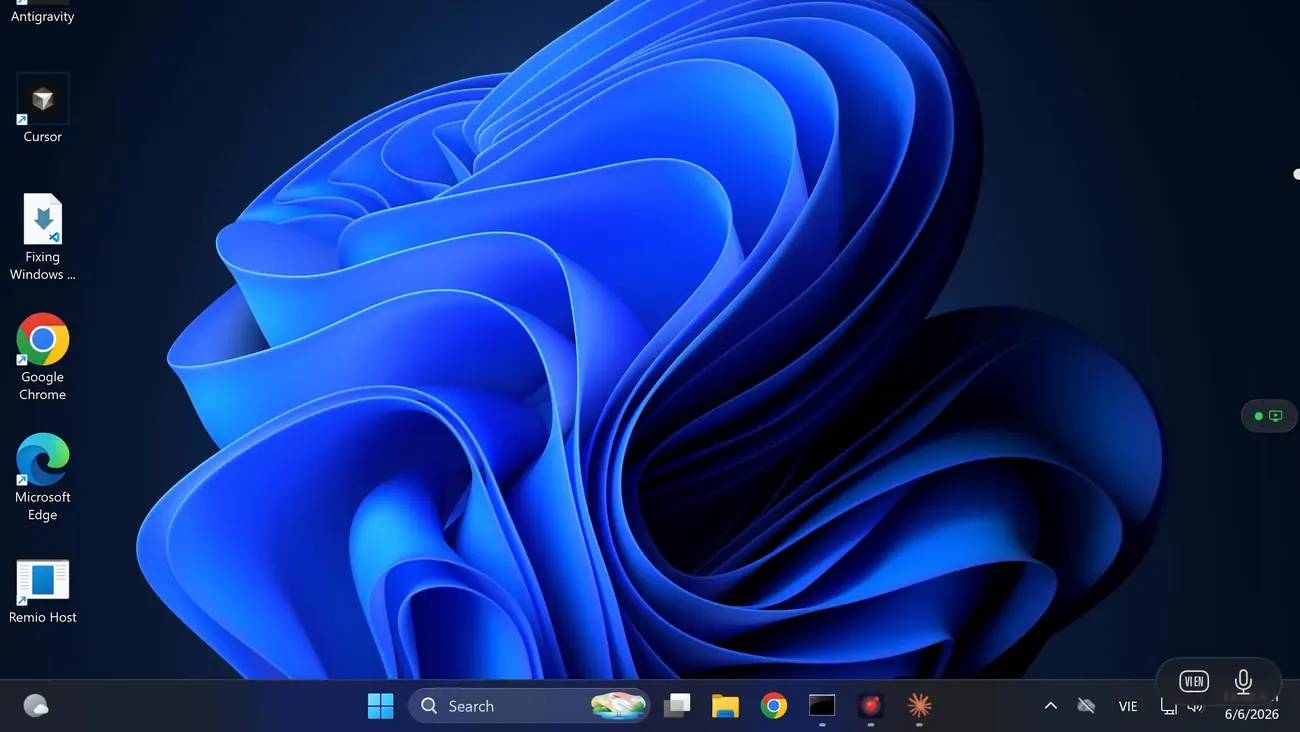
The Windows desktop that Remio streams to the iPad
Real input

Input built for a full workday, not a poke.

The Magic Keyboard's trackpad forwards as a real Windows pointer — pointer movement, inertial scroll, pinch-to-zoom the canvas, and a two-finger tap for secondary click, the same trackpad behavior you already know. The keyboard sends every key as a real Windows scancode, and familiar combinations remap automatically — Cmd+Tab becomes Alt+Tab, Cmd+Q closes the app — so muscle memory carries over instead of fighting a second layout. Apple Pencil turns into a fine-tip pointer — precise enough to hit a small close button or place a text cursor exactly in dense Windows UI.

It's the difference between poking at a screen and actually driving a desktop.

Setup

30 seconds to connect, five minutes to make it a workstation.

Two installs, one PIN, no account. No VPN, no firewall rules, no port forwarding — the Windows host never opens an inbound port.

01

Install the Windows host

On the PC you want to reach, download the Remio host from remio.net/download and run it. It's a signed, user-mode installer — no kernel driver, no system-wide service, admin rights only for the install itself. Works on Windows 10 and 11, Home editions included.

02

Install Remio on the iPad

Search "Remio" in the App Store, or open remio.net/download on the iPad. It's a universal binary — the same app that runs on iPhone. Launch it — no signup, no email confirmation. It opens straight to a pairing screen with a number pad and a QR scanner.

03

Pair and tap connect

The host shows a one-time 4-digit PIN and a QR code. Scan or type it on the iPad. Remio picks the best route automatically — a direct peer-to-peer path on the same network, or an encrypted relay if a direct path isn't available. The PC is one tap away from then on, no PIN to retype.

Already have a Magic Keyboard or Apple Pencil? They pair to the iPad itself in Settings → Bluetooth — no Remio-specific setup. Once paired, they work the moment you connect.

Performance

Works from anywhere, respects your data plan.

An iPad is often the device you grab away from your desk — on cellular, on hotel Wi-Fi, on a train. Remio is built for exactly that.

Adaptive bitrate, 300 Kbps–15 Mbps

On a metered link the stream continuously probes and adapts within a 300 Kbps to 15 Mbps envelope. Bitrate drops before frame rate does, so you keep 60 fps instead of a 30 fps stutter.

Hardware HEVC decode

Every iPad since 2017 decodes HEVC in hardware. A 4K 60 fps stream costs around 8–12% battery over a four-hour session on iPad Pro — no software fallback, no thermal throttle.

5G, LTE, hotel Wi-Fi — no VPN

Peer-to-peer NAT traversal punches through without port forwarding or a VPN profile, and the host never opens an inbound port so your PC is never exposed to the internet. A relay fallback carries the session when a direct path is impossible.

End-to-end encrypted by default

Every session is end-to-end encrypted with no setting to disable it. The keys live only on your two paired devices and never reach a server — even Remio cannot decrypt your stream.

Real work

Run the Windows software iPadOS can't.

Some software will never ship for iPadOS. Reaching the Windows PC that runs it is the whole point.

01
Office & data work

Real Excel macros, real Access databases

VBA macros, pivot tables built for the desktop app, an Access database a whole team depends on — none of it has an iPadOS equivalent. On the iPad's larger canvas with a real keyboard, editing a workbook or fixing a query is a task you finish, not a task you postpone.

02
Line-of-business software

The vertical app that only exists as a Windows .exe

Accounting suites, inventory systems, manufacturing floor software, an EMR built two decades ago — a large share of business software is Windows-only and always will be. Remio doesn't need it ported; it reaches the PC that already runs it.

03
Dev & engineering

Visual Studio and CAD viewers, with a real keyboard under them

Step through a debugger in Visual Studio, run SQL Server Management Studio, or spin a model in a Windows-only CAD viewer — all of it wants a full keyboard and a screen bigger than a phone. See how the same idea plays out for dedicated 3D & CAD workflows.

Which device

iPhone or iPad?

Both reach the same Windows PC over the same free app. The difference is the session you're walking into.

Reach for iPhone — the 30-second fix

Restart a stuck service, approve an install, check on the render — it's already in your pocket. See the iPhone guide.

Reach for iPad — the real session

A Magic Keyboard, a trackpad, a Pencil, and a canvas big enough to work on for an hour, not a minute. That's what this page is about.

FAQ

Things people ask first.

Five questions the iPad-to-Windows direction tends to raise — honest answers below.

Does Remio need Windows Pro to accept the connection?
No. Remio installs its own host on the PC — Windows 10 or 11 Home, Pro, and Enterprise all work without changes. The Windows RDP server, which is Pro-only, is never used.
Do I need a Microsoft account to pair?
No. Pairing uses a one-time 4-digit PIN over the local network. No Microsoft account, no Remio account, no email.
Does the Magic Keyboard's trackpad actually control Windows like a mouse?
Yes. The trackpad's pointer movement, inertial scroll, and two-finger secondary click all forward as native Windows input — the same trackpad behavior you already know, just driving a Windows cursor instead of iPadOS.
Does Apple Pencil work for precise work in Windows apps?
As a very precise pointer, yes — the Pencil's fine tip makes it easy to hit small controls and place a text cursor exactly in dense Windows UI. It does not carry pressure or tilt data into Windows apps, so pressure-sensitive drawing is better suited to a Mac host with native Pencil support.
Does it work over cellular, or do I need Wi-Fi?
Both. On cellular the stream adapts within a 300 Kbps to 15 Mbps bitrate envelope and falls back to an encrypted relay route when a direct path isn't available. Most 4G and 5G networks sustain a clean 60 fps stream, and bitrate drops before frame rate does.
Remio app icon

Your Windows desktop, on a real workstation.

Install the Remio host on the PC, install Remio on your iPad, pair once with a 4-digit PIN — free, no Microsoft account, no card.