On Linux, make the AppImage executable (chmod +x) and run it — Ubuntu 22.04+, Debian 12+, Fedora 36+, Arch and most others, on X11 or Wayland. Native .deb, .rpm and Arch packages are under Power users below.
2
Remio Client
On the device you control from
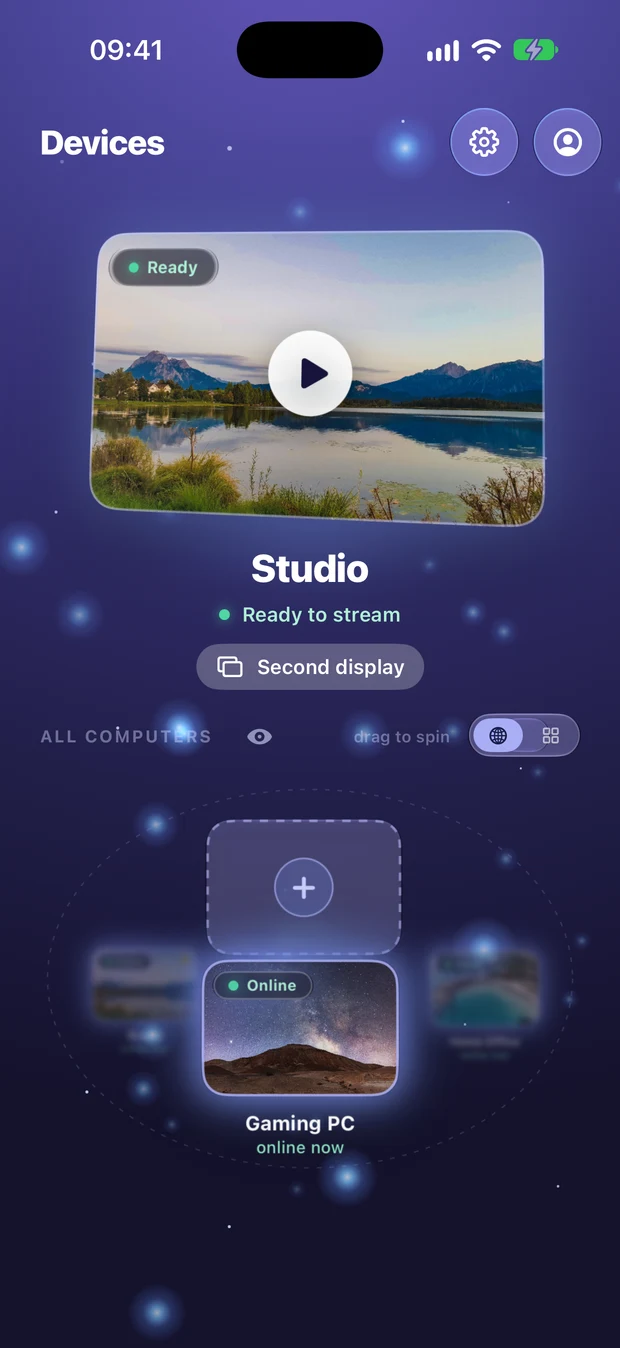
The Client shows the remote screen, wherever you are. Grab it for your phone, tablet, TV, or another computer.
On Apple TV, search the App Store for Remio — pairing works by typing the host's Device ID and six-digit code, no camera needed (how it works on Apple TV). The Linux client is on the roadmap.
Installing the Android APK? Android will show “App scan recommended”, then “Installing this app isn’t recommended”. Neither is a problem found in the file — Play Protect has simply not seen this app before, which is true of anything installed outside the Play Store. Let it scan, then tap Install anyway, and leave Play Protect switched on. Why it is not on the Play Store, and the SHA-256 to check your download, are under Power users below.
Power userswinget · Linux packages (.deb · .rpm · Arch) · SHA-256 · "Windows protected your PC" · older builds
Windows
Remio Hostwinget install Remio.RemioHost
Remio appwinget install Remio.RemioClient
If Windows shows "Windows protected your PC": click More info → Run anyway. We are a small team and Microsoft's reputation system requires expensive certificates to skip that screen — we are on the path. Your download is signed end-to-end so auto-updates can verify it came from us. The winget command above skips the warning entirely.
Android APK
If Android says “Installing this app isn’t recommended”: tap More details → Install anyway. Google Play Protect shows this for any app it has not seen before, and it has not seen any app distributed outside the Play Store. It is not a malware finding, and there is no switch on our side that removes it — Google’s own developer guidance states that appeals do not apply to unknown apps. What is within our control, we have done: Remio Host targets the current Android SDK, and the permissions it declares do not include the SMS, notification-listener or accessibility access that Play Protect treats as high risk. Remio Host is distributed directly rather than through the Play Store because it needs the device-level access Android only grants through Wireless debugging — the same mechanism the app walks you through on first launch. Check the file you downloaded against the SHA-256 below.
Linux packages
Prefer a package manager over the AppImage? Every package below installs the same app, registers a desktop launcher and a background service, and uninstalls cleanly with the same package manager.
Debian 12+ · Ubuntu 22.04+ · Mint · Pop!_OS (.deb):Download the .deb, then sudo apt install ./Remio-Host-Linux-amd64.deb.
Fedora 36+ · RHEL/Alma/Rocky 9.1+ · openSUSE (.rpm):Download the .rpm, then sudo dnf install ./Remio-Host-Linux-x86_64.rpm — on openSUSE: sudo zypper install ./Remio-Host-Linux-x86_64.rpm.
Arch · Manjaro · EndeavourOS:Download the package, then sudo pacman -U ./Remio-Host-Linux-x86_64.pkg.tar.zst.
Used the Flatpak? Remio no longer offers it: a Flatpak can't include the virtual display, the tray icon or game controllers, and it never updates itself. Download the AppImage instead — it starts as the same computer, with your paired devices and account, so nothing needs pairing again. Then remove the Flatpak with flatpak uninstall net.remio.Host.
Raspberry Pi
Raspberry Pi (Raspberry Pi OS): requires Raspberry Pi OS Bookworm or newer — 64-bit is recommended on Pi 3, 4 and 5.
Raspberry Pi OS 64-bit (.deb, Pi 3/4/5):Download the .deb, then sudo apt install ./Remio-Host-Linux-arm64.deb.
Raspberry Pi OS 32-bit (.deb, armv7 — Pi 2 v1.2 or later; Pi 1/Zero not supported):Download the .deb, then sudo apt install ./Remio-Host-Linux-armhf.deb.
AppImage 64-bit:Download the AppImage, then chmod +x Remio-Host-Linux-aarch64.AppImage and run it.
AppImage 32-bit:Download the AppImage, then chmod +x Remio-Host-Linux-armhf.AppImage and run it.
No account. No cloud round-trip. No setup wizard. Install, scan, connect.
01
Download and install
Download the Remio Host installer for macOS, Windows, or Linux. Double-click to install — no dragging, no setup wizards.
02
Scan and pair
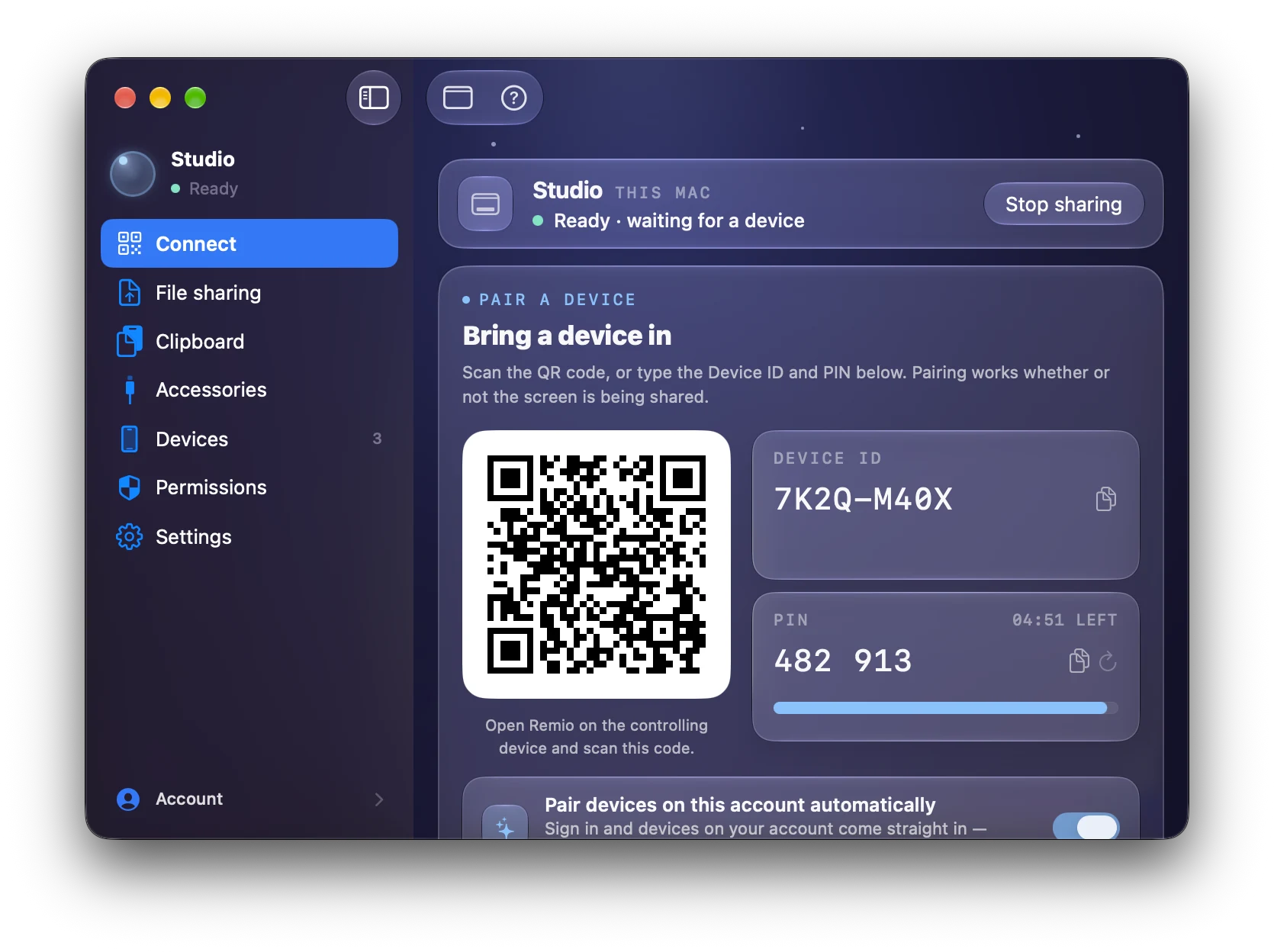
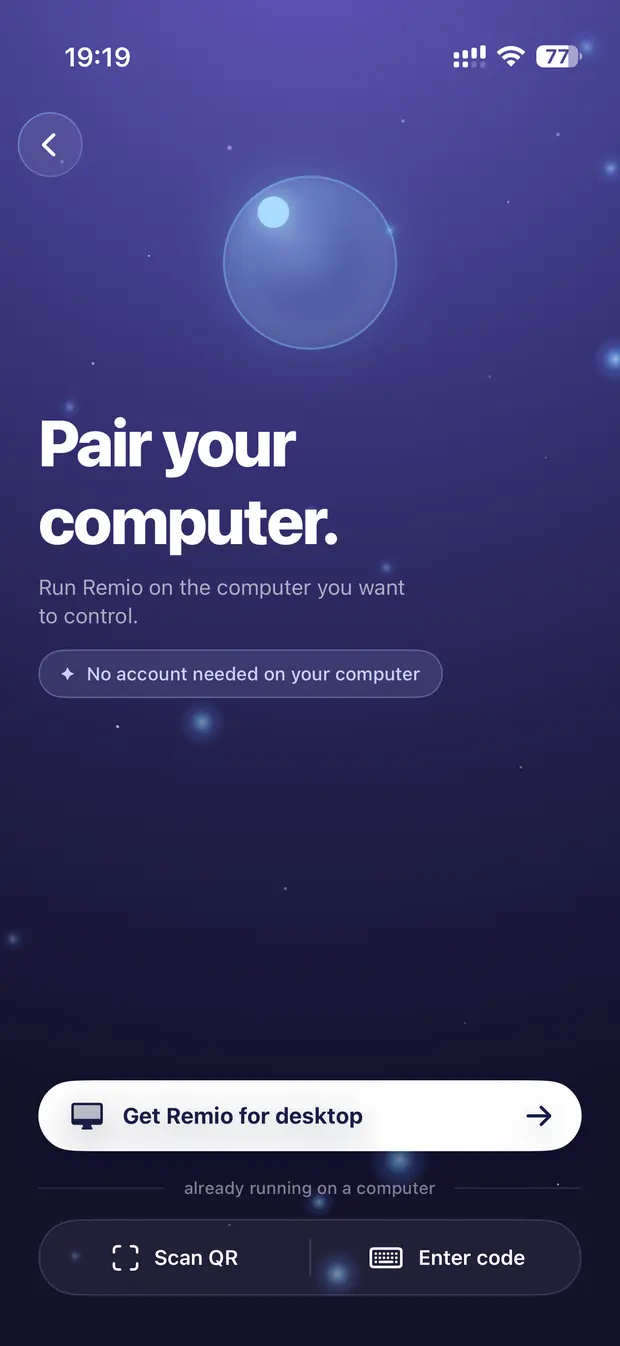
Open Remio on your phone or tablet and scan the QR code on the host — or type the six-digit code it shows. Pairing takes seconds, and every session is encrypted end to end.
03
You are connected
Full desktop streaming up to 6K at 120 fps. Touch, keyboard, mouse, gamepad — everything just works.
✦System requirements
Runs on what you already have.
Remio is lightweight by design — if your device was made in the last few years, you're good. Any Wi-Fi or LAN works; 5 Mbps is enough, 20+ recommended for 4K 120 fps.
1Remio Host
macOS
macOS 15 Sequoia or later
Apple silicon or Intel Mac
Screen Recording permission
Windows
Windows 10 1809 (build 17763) or later
64-bit x64 processor
DirectX 11 compatible GPU recommended
Linux
Debian 12+ or Ubuntu 22.04+ for the .deb — AppImage on other distros
X11 or Wayland desktop session — both supported
VAAPI-capable GPU for hardware encoding
Raspberry Pi
Pi OS Bookworm+
64-bit recommended for Pi 3/4/5
32-bit (armv7) for Pi 2 v1.2+
FreeBSD
FreeBSD 14
amd64
Android
Android 14 or later
Any phone or tablet — set up on the device, no computer needed
Wireless debugging switched on once, during setup
2Remio Client
iPhone & iPad
iOS 18 / iPadOS 18 or later
Works on iPhone and iPad
Wi-Fi or cellular connection
Android
Android 12 or later
Any phone or tablet
Wi-Fi or cellular connection
macOS
macOS 15 Sequoia or later
Any Mac (Apple Silicon or Intel)
Wi-Fi or internet connection
Windows
Windows 10 1809 (build 17763) or later
64-bit x64 processor
Wi-Fi or internet connection
Apple TV
tvOS 18 or later
Siri Remote, iPhone Remote, game controller or Bluetooth keyboard
Wi-Fi or Ethernet connection
Vision Pro
Runs the iPad app from the App Store
One on each side. That's it.
Host on the computer you want to reach, Client on the device in your hand. End-to-end encrypted, direct device-to-device, no cloud account.