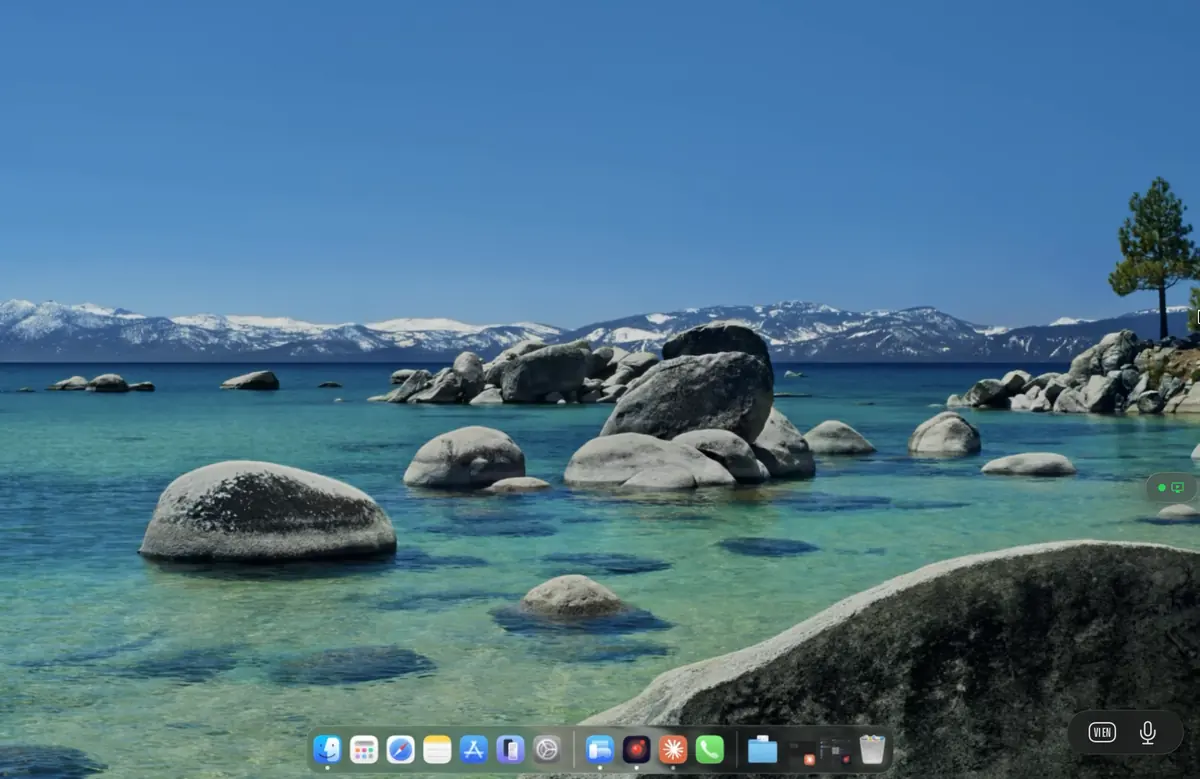
Remote desktop for hybrid teams

Your work computer, without the office.

Stream your real desktop — Outlook, Slack, Excel, the VPN-only intranet app — from any device. No IT setup. No data leaves your perimeter. The same Mac or PC you use at work, on the laptop, tablet, or phone you happen to have with you.

Why most remote desktop tools fail for hybrid work

RDP was built for 1998. Your work is not.

Most "remote work" tools were designed for thin-client server access — sysadmins reaching a server rack, not knowledge workers reaching a real workstation. The mismatch shows up the first time you try to play a YouTube training video, take a Teams call, or scroll an Excel sheet with conditional formatting.

Audio that breaks every call

RDP and Chrome Remote Desktop route audio through software resamplers with hundreds of milliseconds of buffer. Teams shows your face moving while the words arrive late. Slack notification chimes pile up in queues. Music skips on every WiFi hiccup. Remio uses a 48kHz low-latency audio path with the same hardware codec as the video stream — drift is measured in single-digit milliseconds.

Scrolling that feels like a slideshow

Most desktop streams render at 15-30fps and downsample colour to 4:2:0 chroma. Outlook lists smear, Excel grids alias, code looks blurry. Remio streams at 60fps with screen-content-tuned H.265 — text stays crisp at any zoom level and scrolling feels native.

File transfer that requires a ticket

To get a PDF from your office desktop home, most tools force you through OneDrive, email-to-yourself, or — worse — a USB stick brought into the office. Remio drag-and-drops files between client and host with end-to-end encryption. No cloud mirror, no shadow IT.

Multi-monitor that pretends to work

Most tools "support" multi-monitor by stitching screens into one giant canvas with broken DPI scaling. Windows snap to the wrong monitor. Apps remember the wrong size. Remio streams each monitor as a distinct display — your Outlook stays on the left, your IDE on the right, exactly like in the office.

Your existing Windows or Mac, anywhere

No new computer. No new account. No new workflow.

The office desktop you already use stays exactly the same. Your domain login, your group policy, your printer profiles, your installed apps, your saved passwords, your Outlook PST file. Remio is a window onto that machine, not a copy of it.

Windows 10, 11, and Server

Any Windows edition — Home, Pro, Enterprise, Server — runs the Remio host. Unlike RDP, there is no Pro-edition lock. Your domain login, your VPN client, your endpoint security agent all keep working. Remio adds nothing to the Windows boot sequence; it is a normal service.

macOS Sonoma, Sequoia, Tahoe

Apple Silicon (M1 through M4) and Intel Macs all run the host. Stage Manager, Spaces, Mission Control, multiple displays — every macOS feature behaves exactly as at the desk. Touch ID prompts still work for sudo and for App Store purchases from the streamed session.

Any client device

Reach your office Mac from a Windows laptop. Reach your office PC from an iPad. Reach either from an Android phone in a pinch. The client is the same native app on every platform — no browser tab, no Java runtime, no Citrix receiver to keep updated.

Apps you already paid for

Adobe Creative Cloud, Microsoft 365, AutoCAD, MATLAB, Tableau, SAP — every per-seat license stays on the office machine. You are not paying twice for the laptop. Plugins, fonts, custom toolbars, keyboard shortcuts, and workspace layouts all persist.

Privacy & security checklist

No data leaves your perimeter.

For most knowledge work, the threat model is straightforward: the data on the office desktop must stay on the office desktop. The pixels stream out; the files do not. Remio is built around this principle from the protocol up.

End-to-end encrypted

AES-256 from key exchange to keystroke

Every byte between client and host is encrypted with AES-256 using ephemeral keys exchanged on first pairing. The keys exist only on the two devices. Even Remio's own signaling server — which exists only to help the two devices find each other on the internet — cannot read your screen, your keystrokes, or your audio. There is nothing to decrypt server-side because nothing server-side has the key.

No central account

No password to phish, no database to breach

Remio does not store usernames, emails, or passwords. Pairing is done with a 6-digit PIN displayed on the host screen, used once, then discarded. There is no "forgot password" flow because there is no password. There is no central user database for an attacker to exfiltrate. The 2024 TeamViewer and AnyDesk breaches were possible because of this kind of database; Remio does not have one.

No permanent backdoor

Pair revocable at any time, from the host

Each paired client appears in the host's pairings list with its device name and last connection time. Revoke a pairing in one click — the client immediately loses access and a new PIN is required to reconnect. There is no admin-side override, no "support backdoor", no embedded vendor key. If you stop trusting a device, it is gone.

Relay never decrypts

Pixels stay between the two devices

When direct peer-to-peer is not possible — a strict NAT, a hotel WiFi, a captive portal — Remio falls back to a TURN relay. The relay forwards encrypted UDP packets between the two devices; it cannot decrypt them because it does not have the session key. The fallback is functionally identical to direct connection from a security perspective.

Setup in 5 minutes

Three steps, no ticket.

There is no provisioning workflow, no MDM profile, no group policy. The setup is the same for a one-person consultancy and a forty-person studio: install on the office computer, install on the personal device, pair once.

Step 1

Install the host on the office computer

Download Remio Host from remio.net/download. Run the installer once. On Windows you grant the host service install permission (the same UAC prompt as any installer). On macOS you grant Screen Recording and Accessibility (System Settings will prompt). The whole thing takes about 90 seconds. No reboot required.

Step 2

Install the client on your personal device

The client is a standard App Store / Play Store / Microsoft Store download. No admin rights, no profile install, no MDM enrollment. The same app runs on iPad, iPhone, Android, Mac, and Windows laptop — there is no edition to choose.

Step 3

Pair with a 6-digit PIN

The host displays a PIN. You type it into the client once. The two devices then exchange ephemeral keys and remember each other for next time. From the second connection onwards, it is one tap. Full setup guide if you want screenshots; most people figure it out in under five minutes.

Questions hybrid workers ask

Direct answers, no marketing detour.

RDP vs Remio — which should I use?

RDP is a 1998 protocol built for thin-client server access. It works on a LAN with text-heavy apps but breaks on audio sync, video playback, multi-monitor, GPU apps, and modern collaboration tools. RDP also requires Windows Pro on the host. Remio uses hardware H.265 with screen-content tuning, runs on any Windows edition plus macOS, and the same client app reaches both. If you spend any time in Teams calls, watching training videos, or scrolling complex spreadsheets, Remio is the more honest choice.

Do I need a VPN?

No. The office computer stays on the corporate LAN — so VPN-only intranet apps continue to work. Your home laptop reaches the office computer through Remio's encrypted peer-to-peer link, not through the corporate VPN. This sidesteps the bandwidth and split-tunnel headaches of routing every laptop's traffic through corporate.

Does IT need to approve it?

The host install on the office computer typically requires admin rights (the same as installing any application). On a tightly managed corporate machine you may need IT to install it once. On the personal client side there is no admin requirement, no MDM profile, no managed device enrollment. Many IT teams prefer Remio over TeamViewer or AnyDesk because there is no central account database that could be breached and no per-seat license to track.

Will Teams, Zoom, and Google Meet calls work?

For video calls, you want the call running on the client device (the laptop or tablet in front of you), not on the office machine — the office machine has no view of your physical room. For screen-shared video, recorded training, and audio output from any app on the host, Remio streams 48kHz audio with sub-frame sync to the video. Slack huddles, music, notification sounds, and YouTube playback all behave normally.

Can I work from a mobile hotspot?

Yes. Remio adapts bitrate to available bandwidth. 4G at 5-10 Mbps streams 1080p cleanly; 5G handles 4K. iPad and Android hardware decoders are very efficient, so a battery lasts hours on hotspot. Latency depends on cell tower routing — typically 40-100ms on cellular versus 1-5ms on a wired LAN. Workable for most tasks; not ideal for fast-twitch gaming.

Does multi-monitor work?

Yes. Remio streams each office monitor as a distinct display. On the client you can switch between them, or — on a wide laptop screen — view two side by side. The host layout is preserved, so windows stay where you left them. Apps that remember per-monitor position (Excel, Photoshop, IDE workspaces) work correctly.

Free during launch, no account, no card

Work from anywhere, on the actual computer at work.

Install Remio Host on the office desktop. Install the client on your home laptop, tablet, or phone. Pair once with a 6-digit PIN — the same Outlook, the same Excel, the same intranet, now reachable from wherever you happen to be.

macOS, iOS, iPadOS, Windows, and Android. Free forever.