Remote desktop for DevOps and SRE

Your jump host, always one tap away.

tmux session lives on the workstation. kubectl context, AWS profile, Terraform state — they stay; your laptop changes. Reconnect picks up mid-command, no re-auth, no context loss. Real terminal at 60 fps, real browser for the cloud console.

Beyond ssh

Why ssh alone isn't enough anymore.

An SRE's day is no longer pure shell. The IAM UI on AWS does not have CLI parity. The Datadog flame graph is a GUI primitive. The Grafana playbook embeds screenshots. Tempo trace exploration is point-and-click. tmux and vim cover half the work; the other half wants a real browser, a real Slack window, and the JetBrains debugger. Remio adds those back without breaking anything ssh already does.

ssh still does its job

Remio runs alongside, not instead.

Existing ssh tunnels, ProxyJump configurations, mosh sessions, and Tailscale links all continue to work. Remio is unaware of your ssh layer and your ssh layer is unaware of Remio. Use ssh from the laptop for the text work; switch to the streamed desktop on the workstation when the work needs a real display. They are not competitors — they are complementary tools.

What ssh cannot stream

The IAM UI, the trace viewer, the Live Share.

AWS Console IAM policy editor, Datadog flame graphs, Grafana annotation editing, OpenSearch dashboards, Stripe Sigma queries, JetBrains debugger views, VSCode Live Share. None of these have CLI equivalents. With Remio you have them on the workstation, streamed at 60 fps to whatever laptop you have with you, alongside the ssh sessions you already trust.

The single desktop frame

Real terminal, real browser, real IDE — in one stream.

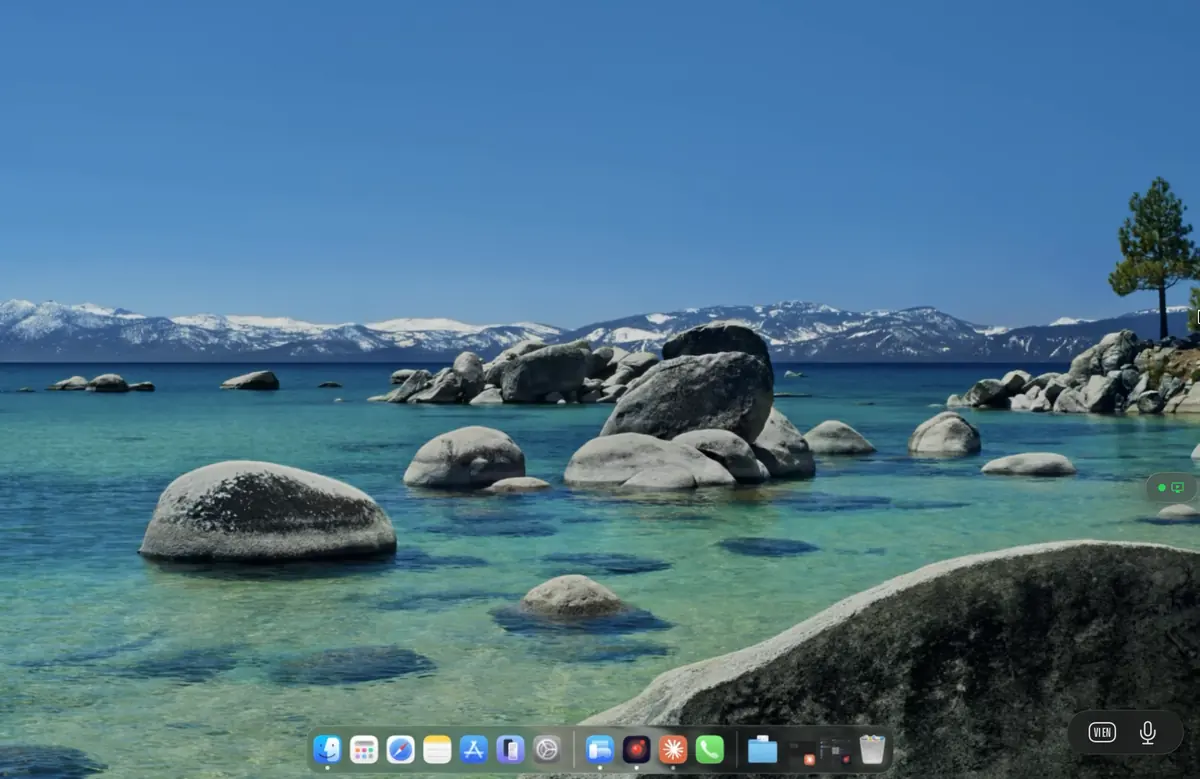
During an incident the screen does not stay on one tool. You are tailing logs, then jumping to a runbook in Notion, then opening the AWS console, then pinging the on-call lead in Slack, then editing a runbook fix in JetBrains. On the workstation every one of those windows already exists, switchable with Cmd-Tab. Remio gives you the same Cmd-Tab from a 13-inch MacBook on a train.

Terminal at 60 fps

Full ANSI colour, Powerline glyphs, custom fonts. tail -F on a chatty log streams without smearing. Vim and Emacs render with the host's font hinting intact. The streamed terminal uses screen-content tuning that preserves every character at the workstation's pixel density.

Real Chrome for the cloud console

AWS Console, GCP Console, Azure Portal, Datadog, Grafana — the actual Chrome on the workstation with the actual SSO cookies. No re-login from a new browser, no missing extensions, no broken React in a stripped-down web wrapper.

JetBrains and VSCode debuggers

Breakpoints, watches, evaluate expressions, threads — the full IDE debugger view. Useful for the post-incident bug fix where the repro is on the workstation but you happen to be away from the desk.

Notion, Linear, Slack — the runbook surface

The runbook in Notion with the screenshot of the dashboard, the Linear incident issue, the Slack channel with the war-room thread. All open on the workstation, all visible in one streamed window — no laptop-side context switching to re-find the right link.

Session persistence

tmux on the host, reconnect from the phone.

The 3 AM page is the worst time to lose context. Remio keeps the entire workstation desktop alive across client disconnects, which means your tmux session, your half-typed Terraform plan, your unsent Slack message, and the half-scrolled flame graph are all there when you reconnect from the phone next to the bed.

~3 s
Reconnect time, NAT-traversed
60 fps
Terminal scroll, 120 Hz on M-series MacBook
The host is the source of truth

State lives on the workstation, not the client.

The kubectl context, the AWS profile, the Terraform state lock, the ssh-agent identities, the env vars you exported half an hour ago — all of it lives on the workstation. The client is a window. Switching from laptop to phone to iPad changes only which screen you see the workstation through.

Reconnect without re-auth

The pairing key is durable.

Initial pairing uses a 6-digit PIN. After that the two devices share a durable key, so reconnect is instant — no PIN re-entry. Reconnect from the phone during the page does not interrupt the running kubectl logs or the Terraform apply; the stream resumes mid-frame.

GPU pass-through for ML

TensorBoard, MLflow, Weights & Biases — real-time on the laptop.

ML platform engineers run training viewers locally on the GPU workstation because the dashboards refresh fast and the data lives on the same disk as the training job. Remio streams those viewers to the laptop with no proxy, no port-forward bookkeeping, and no localhost-only-binding gymnastics.

TensorBoard live

Scalars, histograms, embeddings — TensorBoard runs on the workstation reading the run directory directly. The streamed window updates at the workstation's frame rate, no SSH tunnel, no localhost binding to fight.

MLflow UI

The MLflow tracking UI displays the runs from the local backend store. Stream the workstation's UI to the laptop instead of port-forwarding 5000 over an SSH tunnel.

Long-running training watch

A multi-day training run is babysat with htop on the workstation, nvidia-smi in a tmux pane, and TensorBoard in the host's Chrome. Reconnect from the phone during the night, check the loss curve, disconnect.

Jupyter notebooks with GPU

The notebook server runs on the workstation with full GPU access. The streamed browser shows the notebook with live cell output — useful for the ad-hoc data exploration that a hosted Colab cannot do because the dataset is in your private VPC.

Versus ssh-only and Tailscale

When do you actually need a real display?

For the 80 percent of SRE work that is text — git, kubectl, vim, journalctl, ssh-jumping through hosts — Tailscale plus ssh is the right tool. Remio is for the 20 percent that wants a real display: the IAM UI, the trace flame graph, the Grafana annotation editor, the JetBrains debugger, the Slack war-room thread next to the runbook in Notion.

Use ssh when

The work is text and the tools are CLI.

git, kubectl, helm, terraform plan, journalctl, ps, top, vim, emacs. All of these are happier in a real terminal over ssh than in any streamed display. Mosh and tmux give you reconnect-friendly text sessions. Tailscale gives you the addressability. Remio does not try to compete here.

Use Remio when

The work needs the host's display.

AWS Console, Datadog dashboards, Grafana annotation editing, OpenSearch dashboards, Linear, Slack with the screenshot in the channel, the JetBrains debugger view, Live Share, the runbook in Notion. Anything that does not have CLI parity. Remio is the right answer for those — and it runs alongside an existing Tailscale plus ssh setup without conflict.

Questions SREs ask first

Direct answers, no marketing detour.

How is this different from Tailscale plus ssh?

Tailscale plus ssh gives you a shell — perfect for the 80 percent of work that is text. Remio gives you the whole desktop on top, for the 20 percent that needs a real display (AWS console, Datadog, JetBrains debugger). They run alongside each other; Remio does not replace your ssh layer.

Does tmux survive a reconnect?

Yes. tmux is host-side and unaware of Remio. Detach the session, close the laptop, reconnect from a phone — the named session is still there with the same scrollback, the same active pane, the same running command. The Remio stream simply reconnects to the workstation.

Does clipboard sync to my local laptop?

Yes. Text copied on the workstation lands in the client's clipboard, and the reverse direction works too. Clipboard sync can be disabled per session in the host's settings when an incident response calls for keeping output strictly on the host.

Can I pass an SSH key or YubiKey through?

SSH keys live on the workstation, so any tool on the workstation uses them directly — there is no client-side key to forward. YubiKey HID pass-through is on the roadmap; until then, keep the YubiKey on the workstation side, which is also the recommended posture for an ops jump host.

Does VSCode Remote-SSH still work?

Yes, because Remio does not touch ssh. Use Remote-SSH from the laptop for plain editing; switch to the streamed VSCode on the workstation when you need the integrated debugger, the Live Share view, or extensions that depend on a real display. Both can run simultaneously.

What is the typing latency in the terminal?

Glass-to-glass on a wired LAN is around 8 ms with an iPad Pro client and around 5 ms between two wired desktops. Terminal scrolling stays at 60 fps even with tail -F of a chatty log; 120 Hz is supported on M-series MacBooks. Input rides on a channel separate from video so a noisy log does not delay a Ctrl-C.

Free during launch, no account, no card

The jump host, finally portable.

Install Remio Host on the workstation that holds the kubectl context, the AWS profile, the Terraform state, and the tmux session that has been running since Monday. Install the client on whatever laptop or phone is closest. The next page arrives, you reconnect, you pick up mid-command.

macOS, iOS, iPadOS, Windows, and Android. Free forever.