01
Open the host
Launch Remio TouchPad Host on your Mac — it sits quietly in the menu bar and shows a 6-digit code.
Glide, tap, and type on your Mac from your phone. Direct over Wi-Fi, no account, and it keeps working even offline.
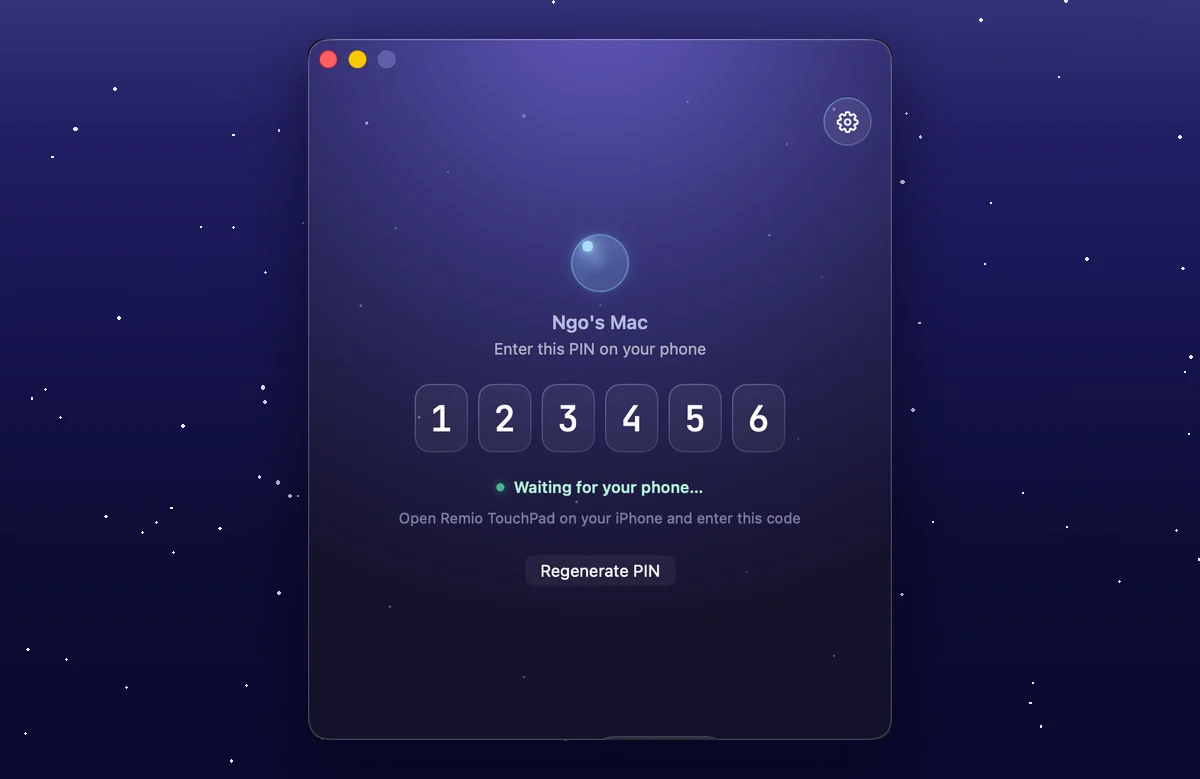

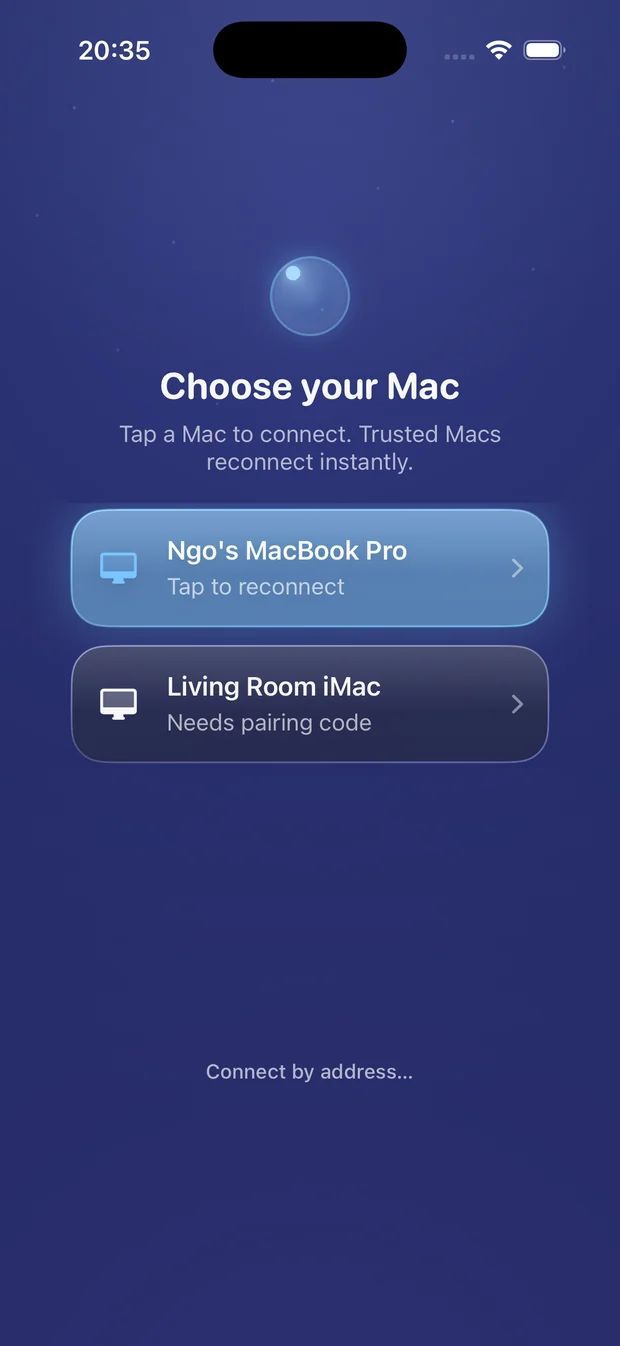
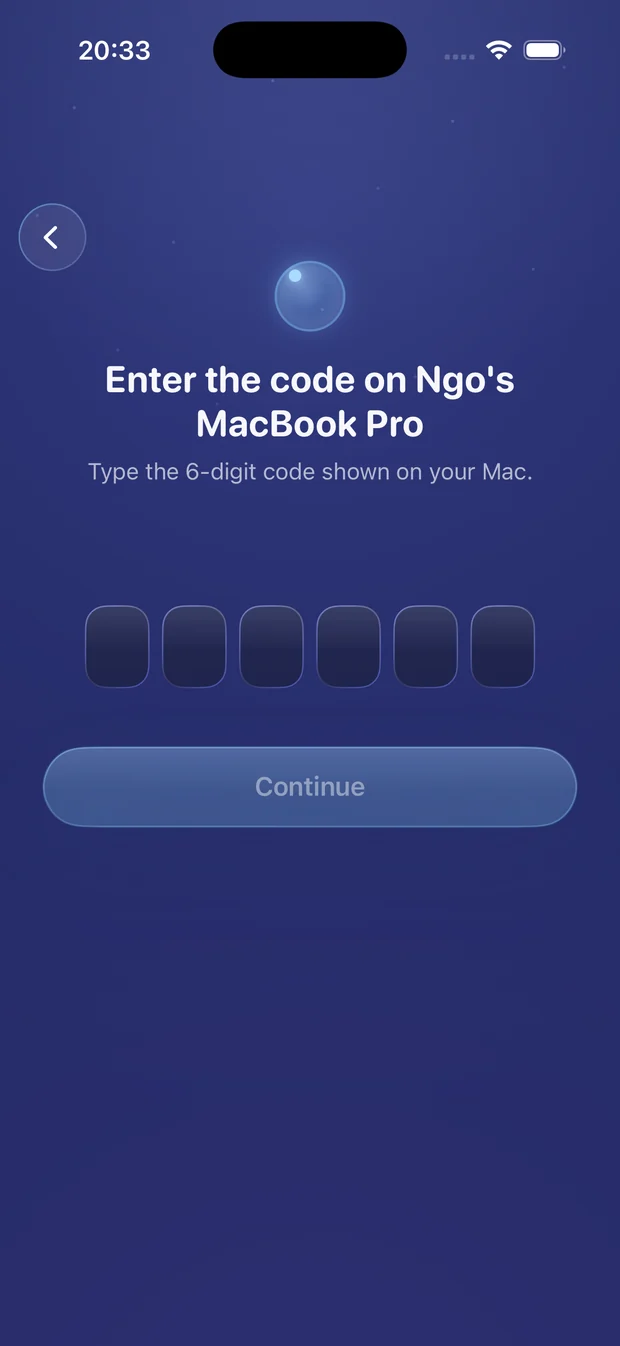
Open Remio TouchPad Host on your Mac — it lives quietly in the menu bar and shows a 6-digit code. Type it once on your phone, then tap Allow on the Mac. That's the entire setup.
Trusted phones skip the code next time and reconnect instantly.
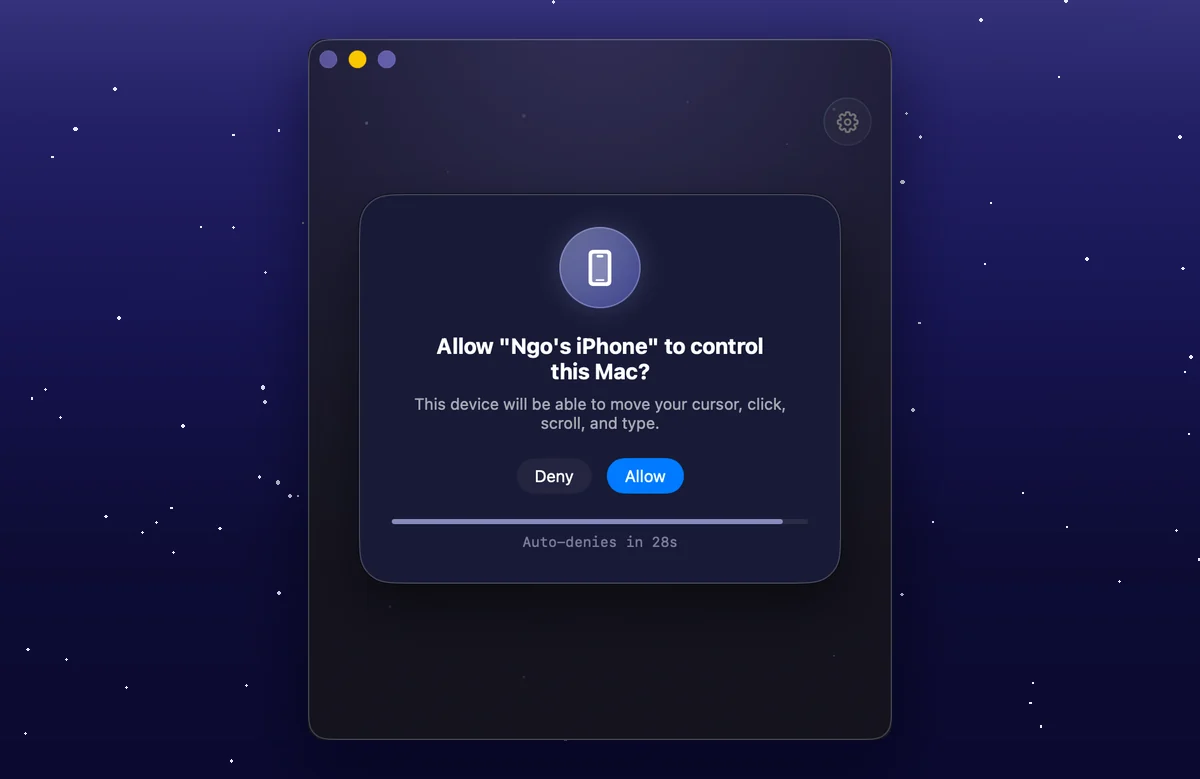
Open, enter, glide — the whole thing takes under a minute.
Launch Remio TouchPad Host on your Mac — it sits quietly in the menu bar and shows a 6-digit code.
Type the code into Remio TouchPad on your iPhone or Android phone. No email, no password, no sign-up.
Tap Allow once on the Mac. Your phone is now a trackpad — move, click, scroll, and type.
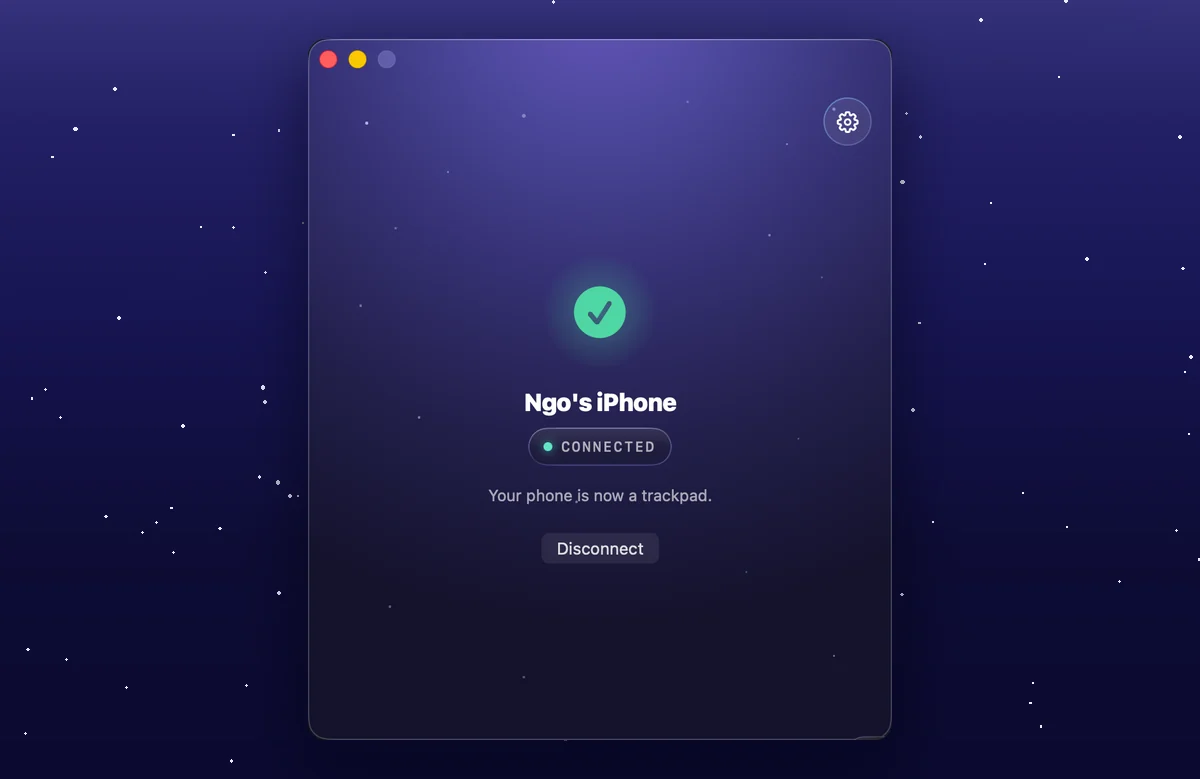
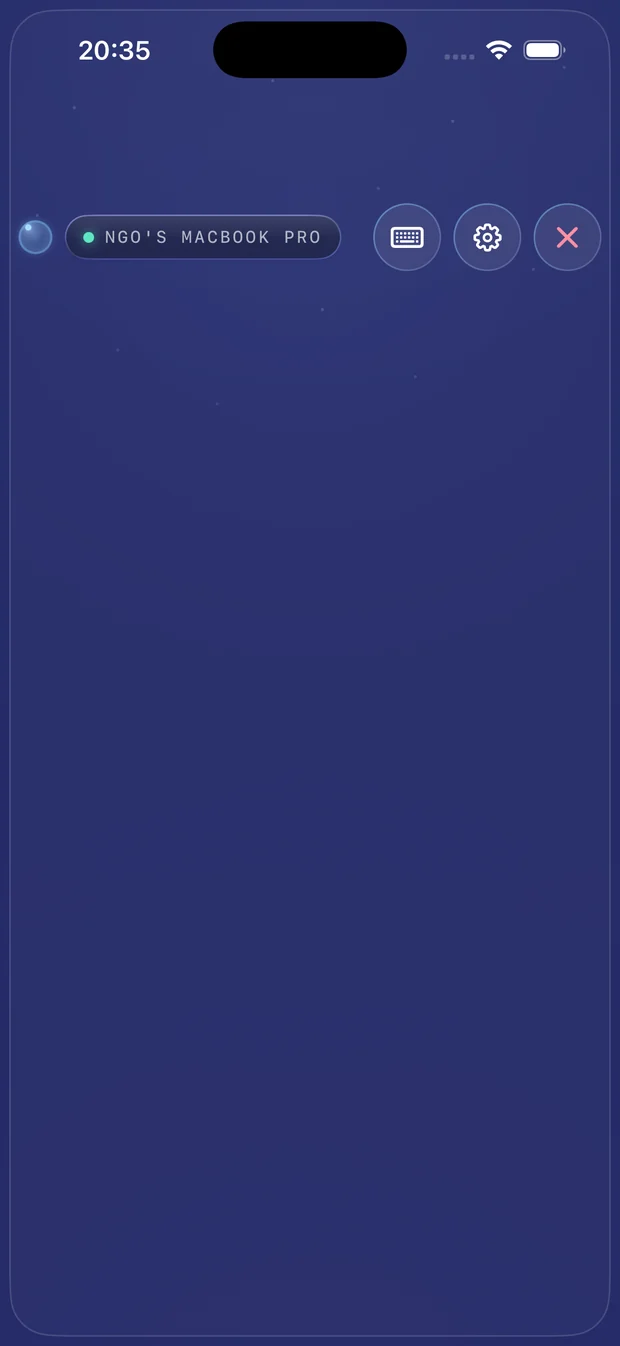
Move the cursor, tap to click, two-finger right-click, scroll with momentum, drag, and pinch to zoom — it feels like the trackpad built into your Mac. Need a keystroke? The on-screen keyboard forwards it too.
The phone screen stays blank on purpose — it's just a touch surface. All the action happens on your Mac.
No account, no cloud, no clutter — just your phone, your Mac, and a direct connection between them.
Your phone and Mac connect directly over Wi-Fi. No cloud round-trip, no outage waiting on someone else's server.
Pair with a 6-digit code — no email, no password, no sign-up screen standing between you and your cursor.
Every gesture and keystroke is encrypted device-to-device. Remio TouchPad Host never records or transmits your screen.
Move, tap, two-finger right-click, momentum scroll, drag, and pinch — it feels exactly like your Mac's own trackpad.
Need a keystroke? The on-screen keyboard forwards every character straight to your Mac.
Trust a phone once and it skips the code next time — one tap and you're back in control.
Every connection starts with a 6-digit code you type once, and a prompt you approve by hand on the Mac — nothing pairs silently. Input is encrypted directly between your two devices.
Remio TouchPad Host only ever asks for Accessibility access to move the cursor and type. Screen Recording is never requested, because it has no need to see your screen.
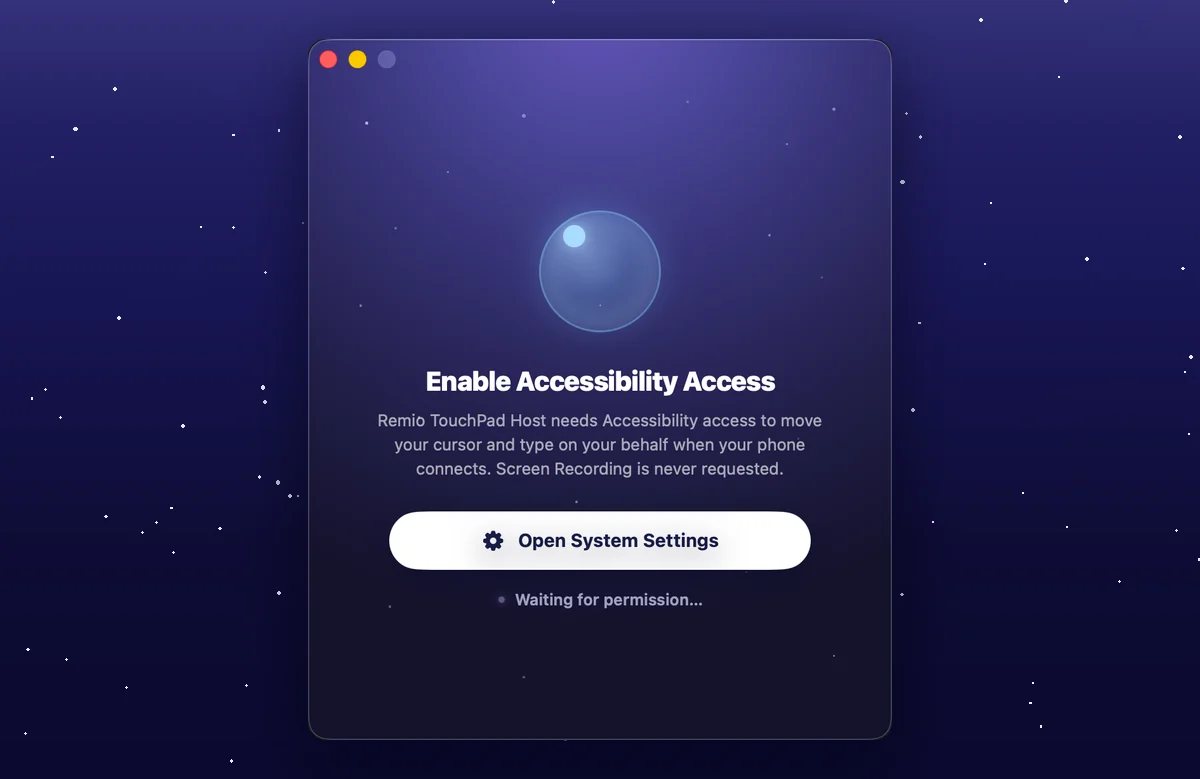
Everything about Wi-Fi, permissions, and what happens when you're offline.
Remio TouchPad is in final testing on iPhone, Android, and Mac. Leave your email and we'll let you know the moment it's ready.
Remio TouchPad is built by the same team behind Remio Remote Desktop — free, 100% native, no account.