Remio works completely without an account. Pair with a QR scan or a Device ID and PIN, stream, and use the free plan in full — nothing is gated behind signing in. An account exists for two reasons: if you use Remio from more than one device, signing in keeps your list of computers with you wherever you go; and Remio Pro, if you choose it, follows your account to every device.
No account required — pair and stream right away. Sign in only if you want your paired computers to show up automatically on a new phone or laptop. That's the entire feature.
What signing in actually does
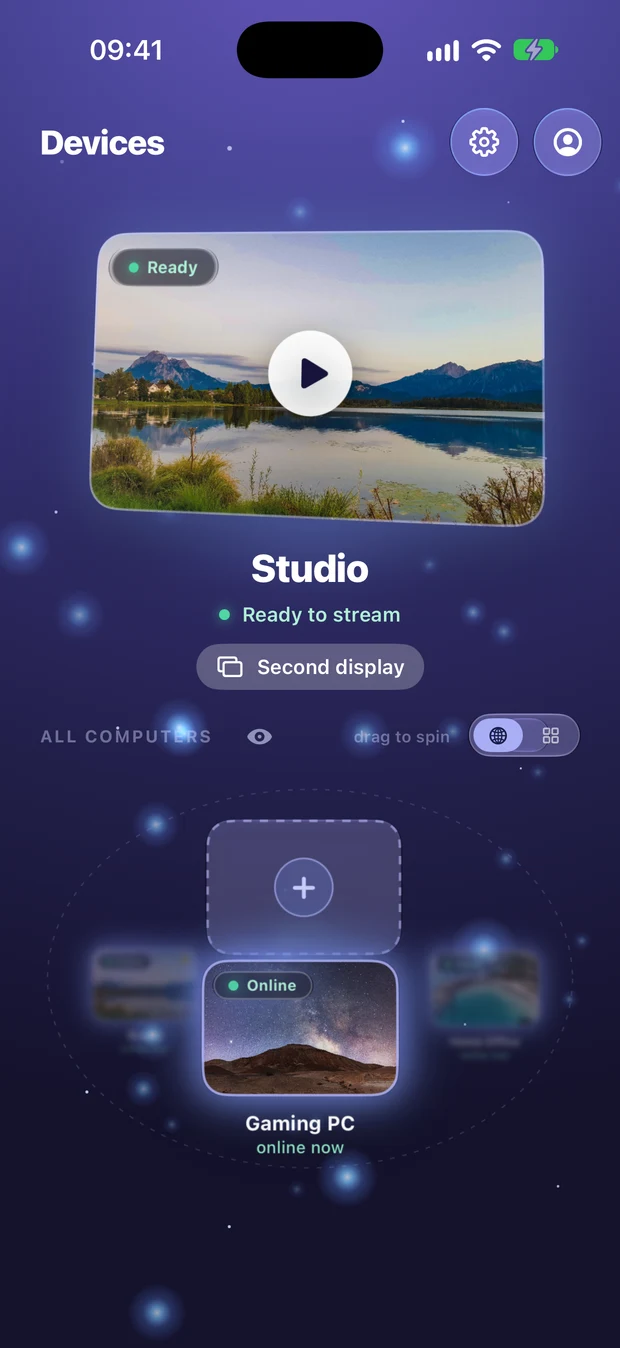
Once you're signed in, your list of paired computers — their names, platforms, and pairing state — follows your account. Sign in on a new phone and the computers you've already paired elsewhere are right there, ready to connect, no re-pairing needed. What sync does not touch: your screen, your files, your keystrokes, or your clipboard. Every session stays end-to-end encrypted between your devices — your screen never touches our servers, and even the relay only sees ciphertext — see how sessions are encrypted.

How to sign in
| Method | What happens |
|---|---|
| Sign in with your Google account. Available on every client and host. | |
| Apple | Sign in with your Apple ID. Available on every client and host. |
| Email & password | The newest option — create or sign into an account with an email and password, no third-party account needed. Available on all platforms. |
Find the sign-in option in Settings (or the account screen) on any client or host app. You only need to sign in on devices where you want the synced list — pairing itself still works with no account at all.
Manage paired devices & rotate the PIN
Open the host app on the computer you're sharing, and you'll see every device that has ever paired to it. Remove any one of them and the change takes effect immediately — that device can no longer connect until it pairs again with the host's current PIN.
Rotate the host's pairing PIN from the host app at any time. The moment you change it, every old PIN stops working, so nobody can use an old code to pair a new device. Devices that are already paired stay paired until you remove them from the list.
One session at a time
Each host allows one active session at a time. If you (or anyone with the PIN) tries to connect while another of your devices is already streaming, Remio asks before taking over — the existing session is never yanked without a prompt.
Troubleshooting
- A computer is missing on a new device — make sure you're signed into the same account on both, and that you've actually signed in (not just paired) on the device where the computer was first added.
- A removed device keeps trying to connect — that's expected. Once removed, a device can't reconnect until someone pairs it again with the host's current PIN.
- Forgot your password — use the password reset link on the email sign-in screen.
FAQ
Do I need an account to use Remio?
No. Pairing and streaming work with no account at all. An account only syncs your list of paired computers across your own devices.
What does Remio store about me when I sign in?
Just your device list — names, platforms, and pairing state. Your screen, files, keystrokes, and clipboard travel only through the encrypted session between your device and the host — never through your account, and even the relay only sees ciphertext.
How do I kick a device off my computer?
Open the host app, find the device in the paired-devices list, and remove it. It's cut off immediately and has to pair again with the current PIN to come back. Rotating the host's PIN is different: it stops old codes from pairing new devices, but devices that are already paired stay paired until you remove them.
